
What is included
- Disconnecting and preparing the machine for transport
- Moving it safely, including stairs and lifts where access allows
- Reconnecting power and network, then printing and scanning tests
- Driver and scan to email setup on your computers
New machine installs
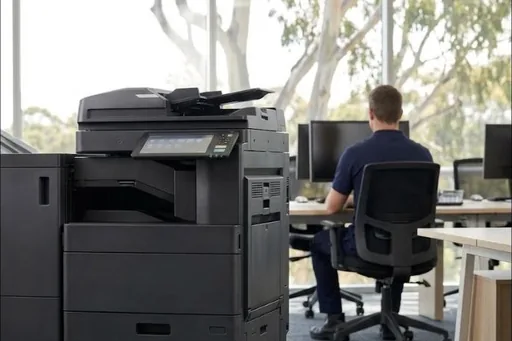
A new copier arrives boxed and needs more than plugging in. The technician unpacks and positions it, fits any trays and finishers, connects it to your network, installs the drivers on your computers, sets up scanning to email and to shared folders, and prints and scans a test from a computer in the office before leaving. The old machine can be taken away at the same visit if you ask.
Office moves
A floor standing A3 copier weighs somewhere between about 55 and 210 kilograms, and the paper decks and finishers come off separately. Moving one is a job for two people, a proper trolley and a plan for the lift, stairs, ramps and parking at both ends. Tell us both addresses and the access when you ask for a quote, and we will book the move for a time that suits the office.
Moving within the building
Moving a machine between floors or to another room still needs it disconnected, the transport locks fitted where the model has them, and the network settings changed if the new spot is on a different network. We reconnect it and run the same print and scan tests as for a new install.
What to have ready
- The name of whoever looks after your network, or your IT provider's contact
- Where the machine is going, with a power point close by and a network point or reliable wireless
- The email addresses and folders people scan to
- Access details: loading dock, lift bookings and parking
Making the scanning worth having
Setting up scan to email and a shared folder is where most installs stop, and it is the point at which a machine either saves somebody an hour a week or does not. Destinations per person or per department, file names that still make sense a year later, and the right format for what is being scanned all get set at the install if you want them. There is more that can be done with it afterwards, and document management and workflow covers that.
The old machine's stored documents
Copiers keep copies of what they scan and print on an internal drive. Before a machine leaves your office for good, ask us about clearing that data, particularly if it has handled client or staff records.
Areas
Outside these areas, call us: for a new machine we can often arrange delivery and setup through a technician local to you.