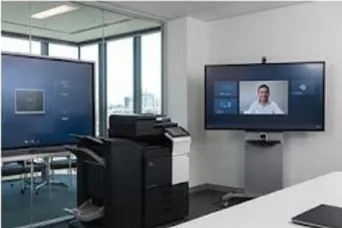
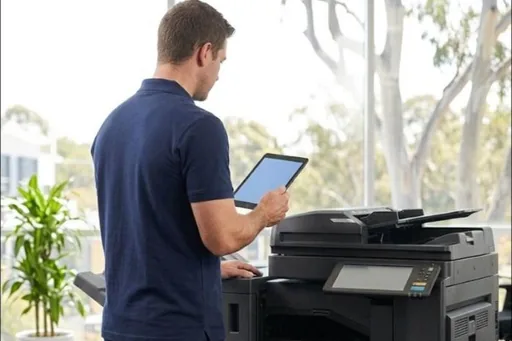
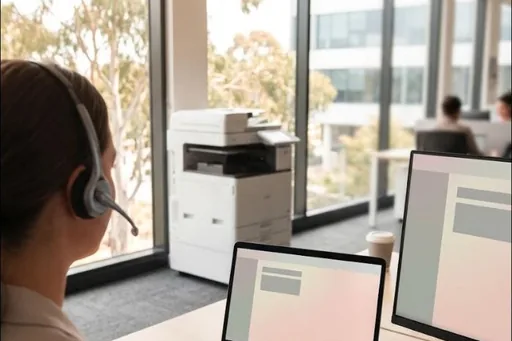
One screen for the whole meeting.
Present from any laptop or phone, run video calls, and write on the screen, all from the one display.
Share wirelessly
Anyone in the room can put their laptop or phone on the big screen, with no cables to find.
Video calls
Connect a laptop or room computer for Teams, Zoom or Google Meet, with camera and microphone options.
Whiteboard and save
Write and draw on the screen, then save or share the notes when the meeting ends.
Supplied, installed and looked after.
The same way you have a copier: one company, one monthly payment, and one number to call if anything goes wrong.
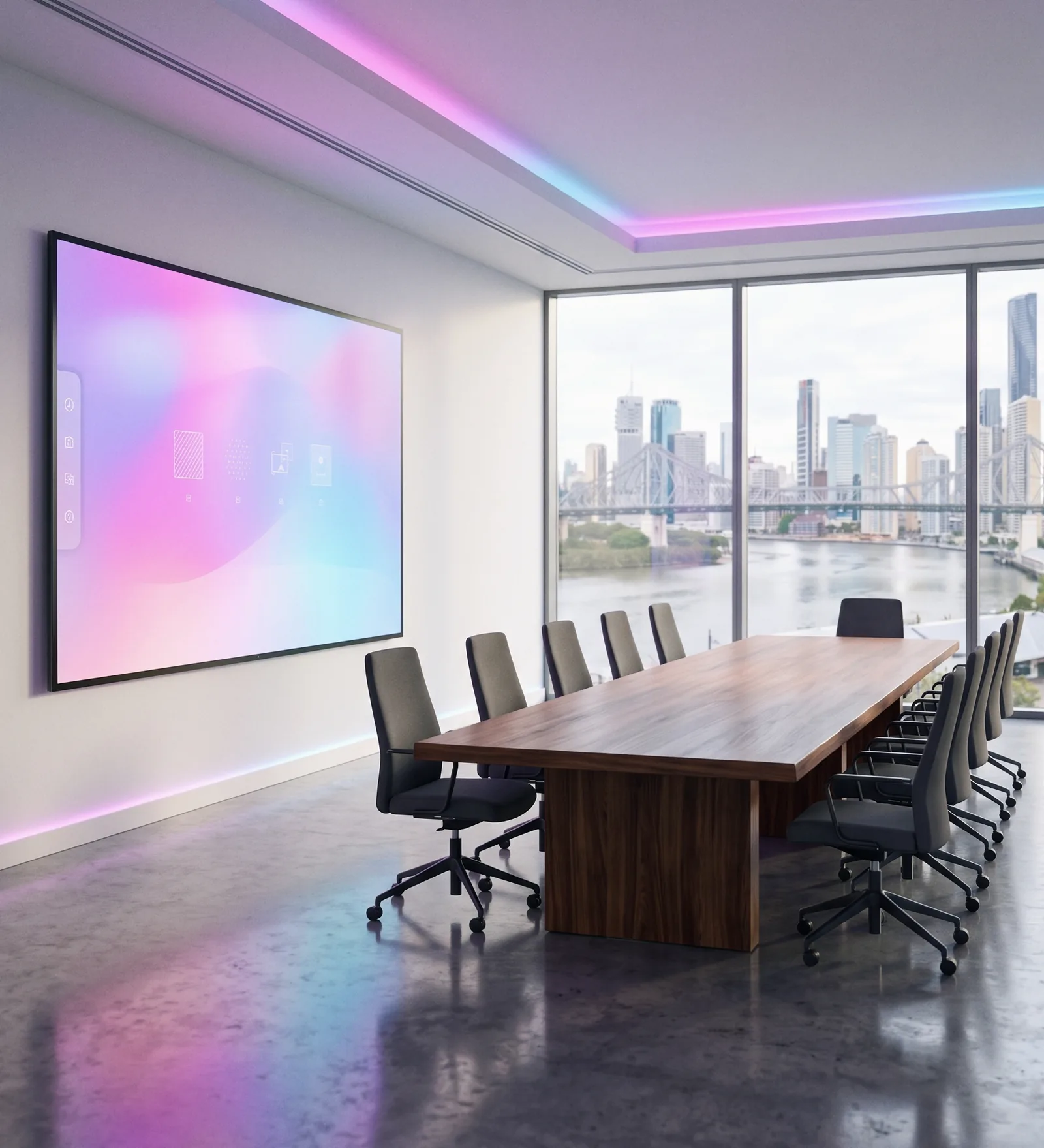
What is included
- An interactive display from BenQ, or Dahua where a lower cost option suits, sized to the room
- Wall mount or mobile stand
- Delivery, installation and network setup
- Setup for wireless sharing and your video call platform
- Phone, remote and on site support for the term
- Warranty claims handled with the maker on your behalf
Why get it from your copier company
One number for everything
Copiers, printers and screens on the same service desk and the same job board.
Support for the whole term
Help on the phone, remotely or on site, and we deal with the maker if a warranty claim is needed.
One monthly payment
Equipment, installation and support together, with finance arranged through our finance partner. Outright purchase is fine too.
Chosen for the room
We recommend the size and setup for how the room is used, not the most expensive screen on the list.
Common questions
Can we buy the display outright instead?
Yes. Most customers take the monthly payment because it includes installation and support, but outright purchase is available.
What sizes are available?
Interactive displays from 55 to 98 inches. For most meeting rooms, 65 or 75 inches suits, and 86 inches suits larger rooms and training spaces.
Will it work with Teams, Zoom or Google Meet?
Yes. It connects to a laptop or a room computer for video calls, and we set it up for the platform your business uses. Camera and microphone options are available.
What happens if something goes wrong?
Call the same number you call for your copier. We help on the phone or remotely first, send a technician if needed, and handle any warranty claim with the maker.
Do you install on the wall?
Yes, on a wall mount or on a mobile stand that can move between rooms. We check the wall and the room before we quote.
Where do you install?
Our technicians install in Brisbane, the Gold Coast, the Sunshine Coast, Toowoomba, Gympie and Northern NSW. Outside those areas, call us before you order and we will tell you whether we can arrange it.
Screens, installed and looked after