Samsung's printer business passed to HP, but thousands of Samsung MultiXpress and Xpress machines are still working. We keep them going.
Samsung's printer business became part of HP in 2017, but thousands of Samsung printers and multifunctions are still at work in offices. We service most Samsung models, from ProXpress lasers to MultiXpress copiers.
Parts for many Samsung machines now come through HP channels, so a Samsung fault is usually still a repair rather than a replacement.
Samsung service we provide
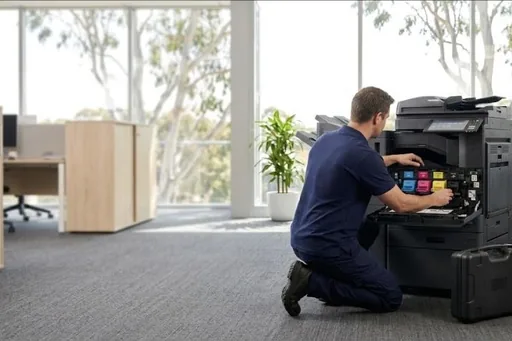
- On site breakdown repairs and fault diagnosis
- Scheduled maintenance and wear part replacement
- Print quality problems: streaks, marks and faded prints
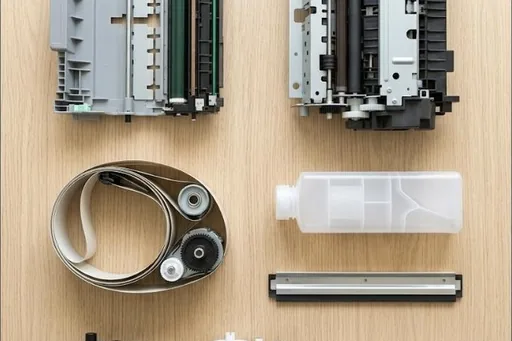
- Paper feed and jam problems, including rollers and feed assemblies
- Scanning, network and driver setup
- Contract servicing with toner included
Common Samsung work
Faded or streaky output and imaging unit warnings.
Smudged or creased pages on the ProXpress range.
Pickup and separation roller wear causing jams and double feeds.
Machines that lose the network or need current drivers on new computers.
Samsung machines we service
- ProXpress M4530ND
- ProXpress M4080FX
- Xpress C430W
- Xpress C480
- MultiXpress K7400LX
- MultiXpress K7500GX
- MultiXpress K7600GX
- MultiXpress X7400LX
- MultiXpress X7500GX
Not on the list? We service all Samsung models still supported with parts. Call 1300 922 260 with the model number.
Samsung repairs by city
Brisbane has its own page, with the Samsung machines we repair on site across the city and the codes we are called to: Samsung repairs in Brisbane.
Sydney and Melbourne have their own Samsung pages and local numbers: Samsung repairs in Sydney and Samsung repairs in Melbourne.
Each city we service has its own Samsung page too, written for that city from our own records:
Code on the panel? Samsung error codes explained.
How a service call works
- Tell us the faultMake, model and what the machine is doing. A photo of any error on the screen helps.
- Charge confirmedWe confirm the attendance charge when you book, before anyone is sent.
- Diagnosed on siteThe technician finds the cause and fixes what can be fixed on the visit.
- Nothing extra without a yesAny part or further work is quoted to you before it goes ahead.
Where we service Samsung machines
DSA is an independent service provider. Samsung is a trademark of its owner and is used here only to describe the machines we service.
What a service call looks like