
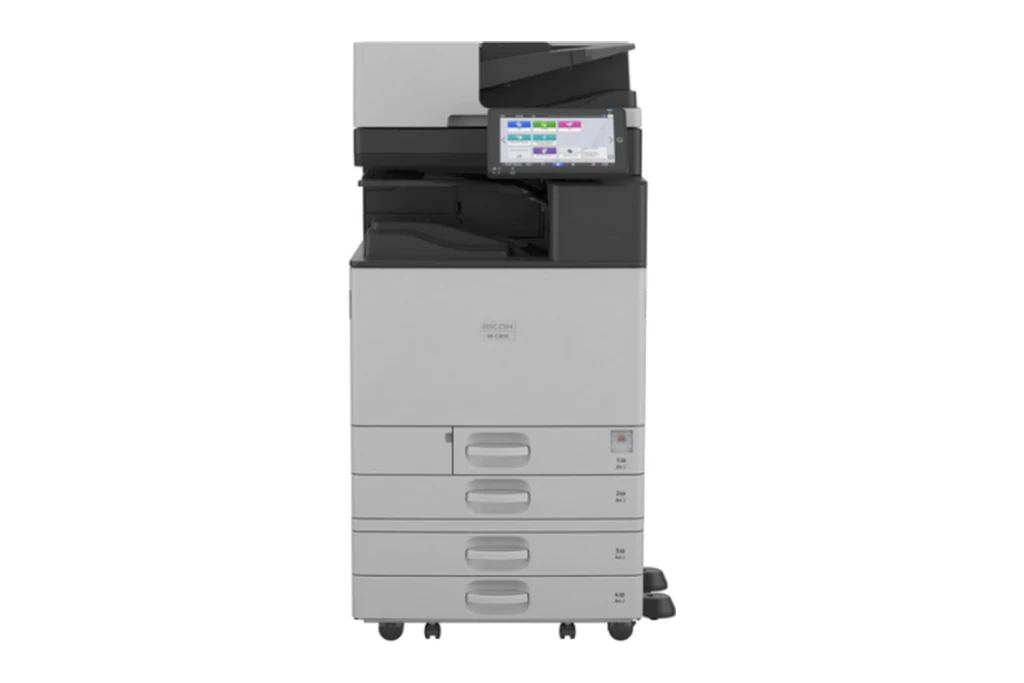
Ricoh multifunctions are all through Brisbane offices, from the IM C machines on current leases to MP C and Aficio models still printing well years after their contract ended. We service all of them on site, casual or on a service agreement, and Lanier badged machines too, because they are built on the same Ricoh platforms and take the same parts.
Most Ricoh faults we are called to in Brisbane come down to a handful of assemblies: the fusing unit, the PCDU, the transfer belt, the paper feed, and the document feeder on top. The sections below set out what each one does when it starts to go, in the terms your panel uses.
The Ricoh machines we repair in Brisbane
IM C2000, IM C2500, IM C3000, IM C3500, IM C4500, IM C5500, IM C6000, and the newer IM C2010, IM C2510, IM C3010, IM C3510, IM C4510, IM C5510 and IM C6010.
Ricoh's current A3 colour range with the Smart Operation Panel. As the page counts climb, it is fusing units, transfer belts and feed rollers we fit most.
MP C2003, MP C2503, MP C3003, MP C3503, MP C4503, MP C5503, MP C6003, and the MP C3004 to MP C6004 series.
The workhorses of the last decade and still everywhere in Brisbane. Well worth keeping going while parts are available.
MP 2555, MP 3055, MP 3555, MP 4055, MP 5055, MP 6055, and IM 2500 to IM 6000.
High volume mono machines. Drum, developer and fusing wear on a page count, and paper feed wear on busy trays.
Aficio MP C2030, MP C2050, MP C2051, MP C2550, MP C2551 and Lanier badged models.
Older machines, often off a finance lease. Repairable while parts last, and we will tell you plainly when one is not worth it.
SP C261, SP C360, SP C361, IM C300 and IM C400.
Smaller Ricoh machines on desks and in branches, serviced the same way.
Lanier badged machines are built on the same Ricoh platforms and we repair them the same way.
What goes wrong on a Ricoh, in Ricoh's terms
The SC54x and SC55x codes. A fusing fault locks the machine for safety, and it stays locked until the heater, the thermistors or the unit itself is dealt with and a technician resets it in service mode.
Ricoh's photoconductor and development unit. Grey backgrounds, faint or patchy colour, streaks down the page, and the SC36x developer sensor codes usually start here.
Colours out of register, blotchy solids, marks repeating down the page, and the SC44x transfer and belt lift codes.
Double feeds and misfeeds from worn feed and separation rollers, and SC50x tray lift errors when the lift motor or its limit sensor is fouled, often by a scrap of paper under the tray.
Originals that skew, crease or stop halfway through the ARDF or single pass feeder. Usually its feed rollers, and a clean of the scanning path while we are there.
Stapling faults, jams at the bridge unit, and SC621 or SC792 when the machine and its finisher stop talking to each other.
The SC8xx family: hard drive, memory and address book errors after a power event or on an ageing drive. Your address book and scan settings are protected before any drive is replaced.
Scan to email and to folders, SMTP changes when your mail provider moves, and firmware, set up through Web Image Monitor.
Ricoh error codes we are called to
Quote the code on the panel when you book. It tells the technician which part of the machine to look at, and which parts to bring.
| Code | What it points to |
|---|---|
| SC541 to SC559 | Fusing temperature and heater faults. Level A: the machine locks for safety and a technician must reset it after the cause is fixed. |
| SC501 to SC503 | Tray lift errors. Often a scrap of paper under the tray. A restart may clear it; if it returns, the lift motor or sensor needs attention. |
| SC360 and SC370 | Developer and image density sensor calibration errors, usually pointing at the development unit. |
| SC441 and SC442 | Transfer drive and transfer belt lift errors. |
| SC620 to SC622 | Communication lost with the document feeder, the finisher or the paper bank. |
| SC860 to SC868 | Hard drive and memory card errors in the controller. |
| SC990 to SC997 | Software and firmware errors. A restart often clears them; repeats need the firmware looked at. |
Every Ricoh code family, and which ones clear with a restart
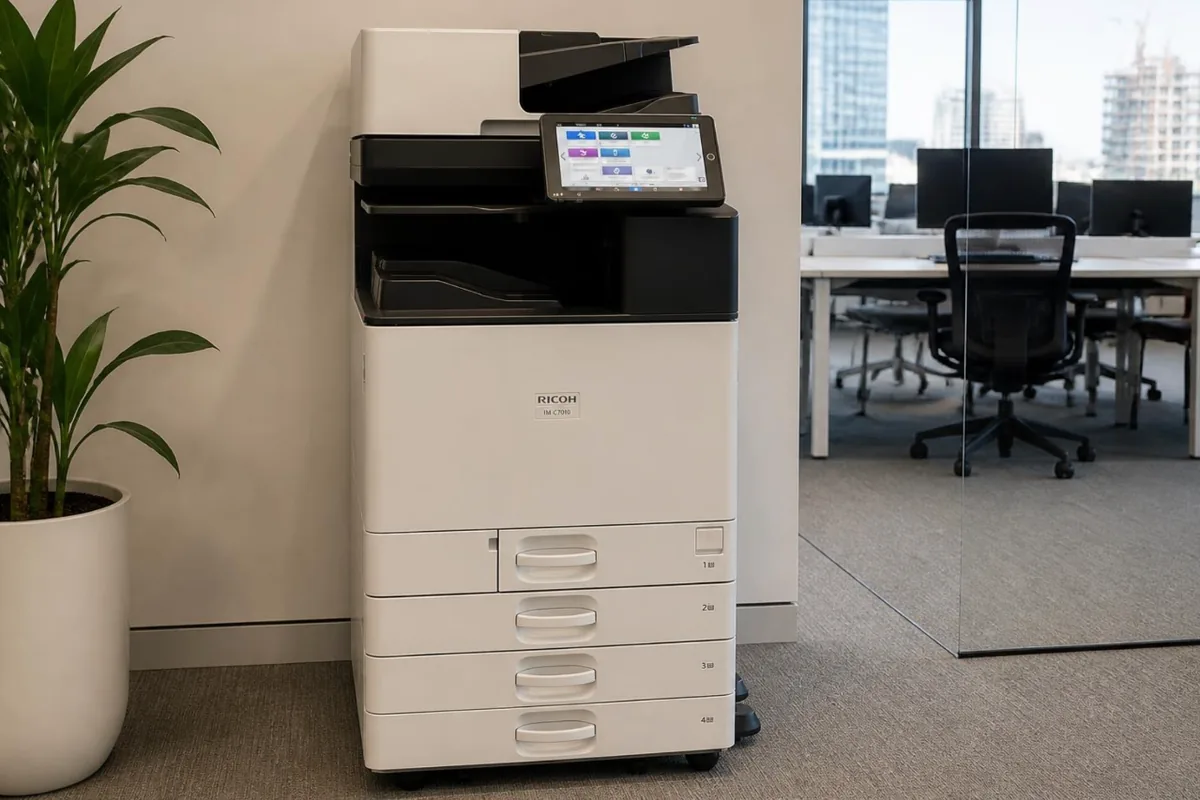
Ricoh IM C7010, one of the Ricoh photocopiers we repair in Brisbane.
Before you book a Ricoh call in Brisbane
Before you ring, these are worth a minute:
- Write the whole SC code down, the three digits and the two after the dash, and note what the machine was doing at the time: copying, printing, scanning or waking up.
- Take a photo of the panel while the message is showing. A clear picture of the code, or of the misfeed letter and its diagram, saves the service desk asking twice.
- Read the model off the front, such as IM C3000 or MP C3003. A Lanier carries its own model name, so quote it exactly as printed on the machine.
Ricoh printer and copier repairs in Brisbane
Whether your office calls it the photocopier, the copier or the printer, a Ricoh IM C or MP C machine is a multifunction: it copies, prints, and scans to email or a folder. The A4 range, from the SP C261 up to the IM C400, is closer to what most people picture as a Ricoh printer, though the IM models scan and copy as well. A Lanier on the office floor is the same story under another badge, built on a Ricoh platform.
For booking, the name you use makes no difference. Printer repairs and copier repairs go through one desk, and the questions do not change: which model, what the panel shows, and what it was in the middle of. Inside, the model shapes the work. An A3 IM C3000 or MP C3003 has a fusing unit, a PCDU for each colour, the transfer belt, several trays and a document feeder on top, while the desktop machines have far fewer assemblies.
Repair or replace your Ricoh photocopier?
Ricoh models fall into clear generations: the IM C machines on current leases, the MP C series before them, and the older Aficio range. The newer the generation, the deeper the parts supply, while an Aficio may need parts that are getting harder to find. Before recommending a repair on an older Ricoh copier, the technician checks whether what it needs can still be sourced, so you are not left halfway through a repair.
When replacement is the better answer, we supply new copiers and refurbished and renewed machines in Brisbane as well, and install them. A new or refurbished Ricoh can be bought outright through photocopiers for sale in Brisbane, or rented or leased through photocopier leasing and rental in Brisbane.
Keeping a Ricoh photocopier running in Brisbane
Brisbane's humid summers are hard on paper before they are hard on the machine. A ream left open in a storeroom over a wet weekend soaks up moisture, curls as it passes the fuser, and jams at the exit or double feeds from the tray. Keep paper sealed in its wrapper until it goes in the drawer, and load only what the office will use in a day or two.
- Clean the exposure glass and the narrow reading strip beside it with a soft cloth. Dampen the cloth rather than spraying the glass, so no liquid can run underneath.
- Leave clear space at the sides and back where the fans push out warm air. A machine boxed into a tight alcove runs hotter and works its fans and fusing unit harder.
- Do not push the machine across carpet, over a door strip or down a step. A jolt can disturb toner inside and loosen the connection to the finisher, so ask the service desk before it is moved.
Ricoh service agreement or a one off repair?
On a DSA service agreement, servicing, repairs and toner for your Ricoh sit under one arrangement, billed from the pages it prints. Most machines email their meter readings each month. Where one cannot, you get a reminder, or you scan the sticker on the machine and enter the reading in the customer portal. A one off repair, by contrast, is charged for that visit alone.
Brisbane is where our service desk sits and where most of our agreements run. Planned servicing in Brisbane has its own page, with what a service visit covers. Photocopier servicing in Brisbane.
Ricoh copier repairs, photocopier service and printer service in Brisbane
Whether you searched Ricoh copier repairs Brisbane, Ricoh photocopier service, Ricoh printer repair or Ricoh copier service near me, it is the same team: on site technicians across greater Brisbane who work on Ricoh machines every week, booked through one service desk with the attendance charge confirmed before anyone is sent. Lanier and Savin machines are Ricoh machines under another badge, and we service them the same way. A breakdown is a repair call; planned servicing, cleaning and maintenance kits on their count are a service call; and an office that calls more than twice a year is usually better off with the servicing, parts and toner on one agreement. For the nearest technician to your suburb, see printer and copier repairs near me; for every brand on one page, photocopier repairs in Brisbane.
Book a Ricoh repair Call 1300 922 260
Where in Brisbane
We attend Ricoh machines on site right across Brisbane, all booked through one service desk:
- Brisbane CBD and inner city
- Brisbane north and Moreton Bay
- Logan and the Redlands
- Ipswich and Brisbane west
For planned servicing rather than a breakdown, see photocopier servicing in Brisbane. For Ricoh toner, parts and new machines, see our Ricoh page.
Outside Brisbane, Ricoh repairs have their own page for each city we cover: Gold Coast, Sunshine Coast, Sydney, Melbourne, Canberra, Adelaide, Perth.
How a service call works
- Tell us the faultMake, model and what the machine is doing. A photo of any error on the screen helps.
- Charge confirmedWe confirm the attendance charge when you book, before anyone is sent.
- Diagnosed on siteThe technician finds the cause and fixes what can be fixed on the visit.
- Nothing extra without a yesAny part or further work is quoted to you before it goes ahead.
Common questions
Can I clear a Ricoh SC code myself?
Sometimes. Ricoh sorts its SC codes into levels. Many of the everyday ones clear when the machine is switched off and on at the main power switch. Fusing codes are level A, a safety lock, and will not clear until a technician has fixed the cause and reset them in service mode. If a code comes back after a restart, book a call and quote the full code.
Do you repair Lanier machines?
Yes. Lanier machines are built on Ricoh platforms, so they take the same parts and show the same SC codes, and we service them the same way.
Can you service a Ricoh that came with a lease?
Yes, including machines that have come off a finance lease. If servicing is already included in an agreement you pay someone else for, we will tell you, rather than let you pay twice.
Is an older Aficio or MP C worth repairing?
Usually, while parts are still available, because these machines were built to run for a long time. If a repair would cost more than the machine is worth to you, we will say so before any work goes ahead.
Where in Brisbane do you attend?
Right across Brisbane: the CBD and inner city, the north side and Moreton Bay, Logan and the Redlands, and Ipswich and the west, all booked through one service desk.
Are your technicians qualified?
All our technicians are trained and certified.
What does Waste toner bottle is full mean on a Ricoh?
It is not a fault. Toner cleaned off the drums and belt after each page collects in a bottle, and the machine refuses to print once that bottle is full. Fit a new waste toner bottle following the panel's own guidance and close off the old one so it cannot spill. If the message stays after a new bottle is in, the sensor needs the technician.
What does Replacement required mean on my Ricoh copier?
A wear part, usually a PCDU or the fusing unit, has reached the page count Ricoh sets for it. The machine may keep printing for a while, but quality tends to drop as the part goes past its life. Note the part named on the panel and book a service visit, so the technician brings the right unit and fits it before it causes a fault.
Can you look at a Ricoh copier in a Brisbane CBD tower?
Yes. Tell us the building, the floor and any sign in or loading dock rules when you book, and the technician comes prepared for them. Most CBD buildings only need a name and a time in advance.
Ricoh parts, by part number
Know the part you need? Our Ricoh spare parts list can be searched by part number or by model. Ask the service desk for the part on its own, or have one of our technicians fit it in Brisbane. Lanier badged machines have their own list: Lanier spare parts.
DSA is an independent service provider. Ricoh and Lanier are trademarks of their owner and are used here only to describe the machines we service.