
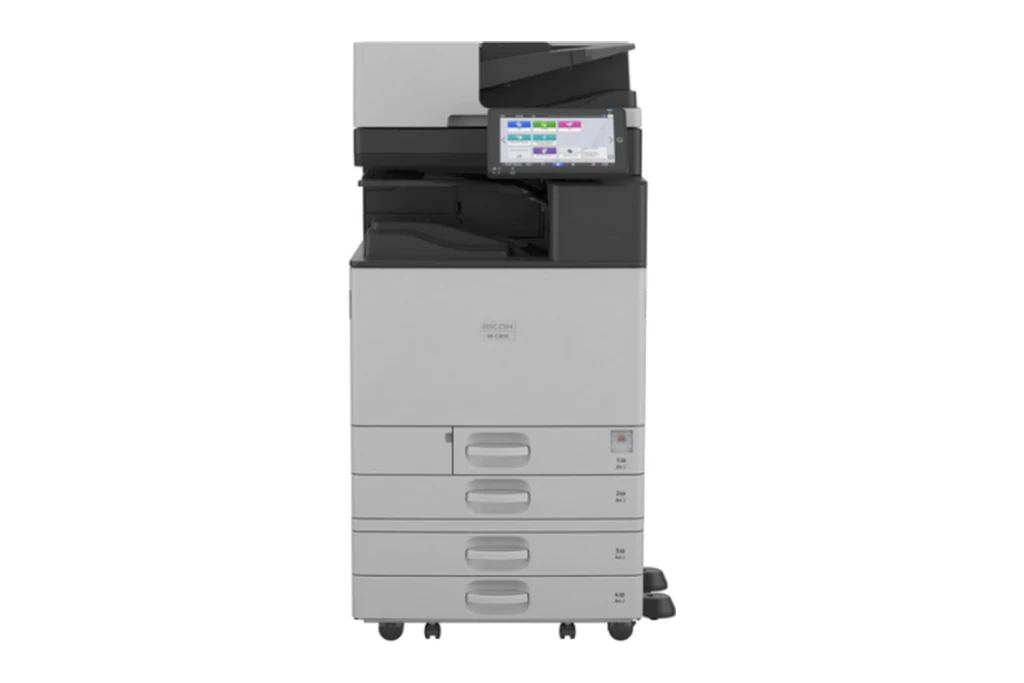
Our Sunshine Coast service records hold 14 Ricoh machines, mostly MP C colour multifunctions such as the MP C2003, C3002, C3001 and C4502A, and mono MP 2000 series copiers, in Currimundi, Maleny, Pelican Waters and Coolum Beach among other places. Many came off a lease and have years left in them. The PCDUs, the fusing unit and the paper feed rollers are what wear, and Lanier badged machines, made by Ricoh, are serviced the same way.
Ricoh on our Sunshine Coast records
From our own service records: the machines we have serviced on the Sunshine Coast since 2017. It is not the whole list.
Models we see most
- MP C2003
- MP 2000LE
- MP C3002
- MP C3001
- MP C2001
- MP 2050
Where they are
- Currimundi
- Maleny
- Pelican Waters
- Coolum Beach
- Noosaville
- Baringa
The Ricoh machines we look after on the Sunshine Coast
IM C2000, IM C2500, IM C3000, IM C3500, IM C4500, IM C5500, IM C6000, and the newer IM C2010, IM C2510, IM C3010, IM C3510, IM C4510, IM C5510 and IM C6010.
MP C2003, MP C2503, MP C3003, MP C3503, MP C4503, MP C5503, MP C6003, and the MP C3004 to MP C6004 series.
MP 2555, MP 3055, MP 3555, MP 4055, MP 5055, MP 6055, and IM 2500 to IM 6000.
Aficio MP C2030, MP C2050, MP C2051, MP C2550, MP C2551 and Lanier badged models.
SP C261, SP C360, SP C361, IM C300 and IM C400.
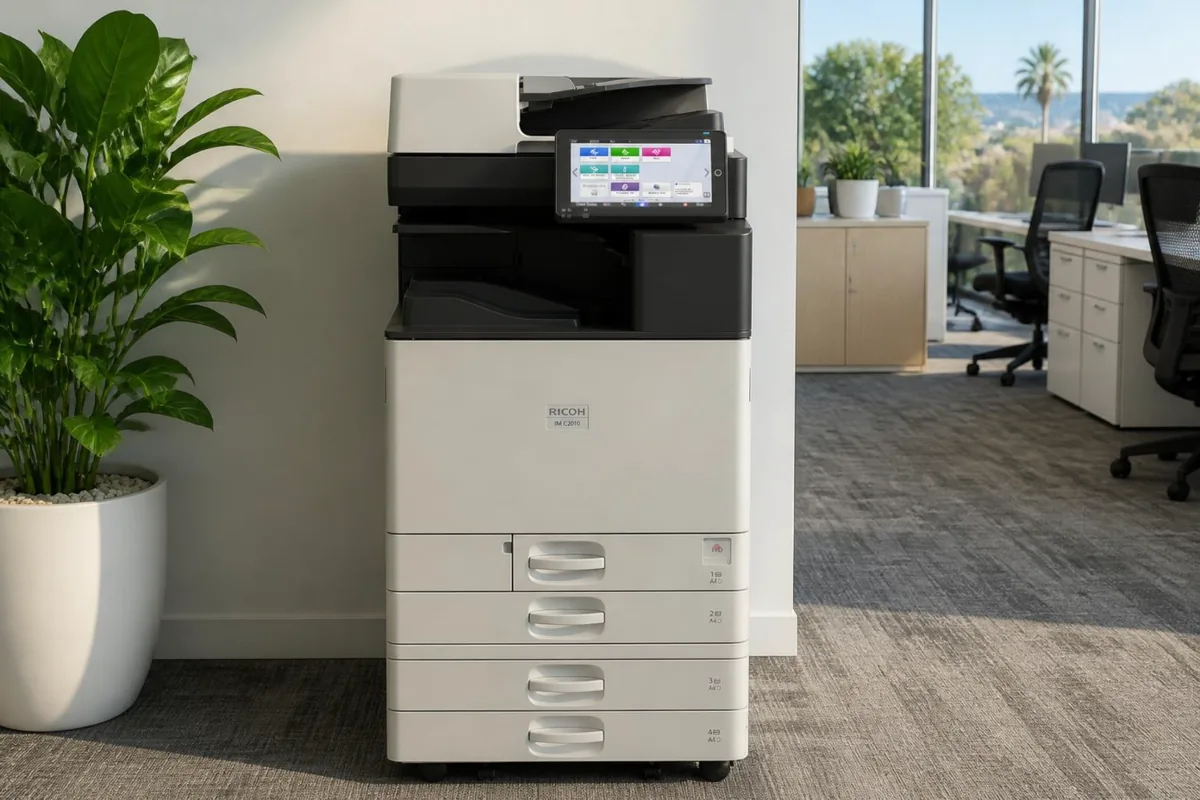
Ricoh IM C2010, one of the Ricoh photocopiers we repair on the Sunshine Coast.
Ricoh photocopier repairs on the Sunshine Coast: the faults we fix
Two sheets arrive stuck together, or the panel reports a misfeed from the same tray every few jobs. Each Ricoh tray uses a pickup roller, a feed roller and a separation roller that holds back the second sheet. Paper dust glazes their rubber with use until it slips. Try paper from a new ream; if one tray still misbehaves, its rollers are due.
Copies from the feeder carry a thin line down the page, yet the same original laid on the glass copies clean. The feeder reads each page as it slides over a narrow strip of glass beside the platen, so a speck of correction fluid or dust there draws a line through every sheet. Wipe that strip with a soft, barely damp cloth and retest.
Jobs stall with SC621 on the panel, and the finisher sits silent. The main unit has lost its conversation with the finisher, which can come from a connector disturbed when the machine was moved, or from a board in either unit. Restart once at the main power switch. If SC621 comes back, the cable and the boards need the technician, not more restarts.
Ricoh codes we are called to on the Sunshine Coast
A code tells the technician which part of the Ricoh to look at before leaving. The ones that come up most:
| Code | What it points to | Restart? |
|---|---|---|
| SC370 | The sensor that reads toner test patches on the transfer belt failed to calibrate, so the machine cannot check its colour density. | Needs a technician |
| SC442 | The transfer belt would not lift into or drop away from contact with the drums. The lift mechanism needs attention. | Needs a technician |
| SC501, SC502, SC503 | A paper tray failed to lift or lower. Look for anything caught under that tray, reload it and restart once. | Worth one restart |
| SC520 | A motor driving registration, paper feed or paper transport has locked, stopping the paper path until it is repaired. | Needs a technician |
| SC541 | A fusing temperature sensor reads as disconnected or shorted. Level A, so the machine stays locked until the cause is repaired. | Needs a technician |
| SC542 | The fusing unit did not warm to working temperature in time. Level A; the heater, a sensor or low supply voltage are typical causes. | Needs a technician |
Before you book a Ricoh call
Three things that help the technician arrive with the right part:
- Whether the panel is asking for a PCDU, the waste toner bottle or the fusing unit to be replaced.
- The total counter, from the Counter screen in the machine settings.
- Whether scan to folder or scan to email stopped after a password or server change.
A few things you can safely check yourself:
- For a tray lift code or repeated misfeeds, pull that tray out, check nothing has slipped under the base plate, and make sure the guides sit snug against the stack.
- Check that the paper size and type set for the tray match what is actually in it. A tray set for plain paper but filled with card can jam or smudge.
- If the panel reports the waste toner bottle is full, the Ricoh will not print until it is changed, so keep a spare bottle with your toner stock.
Every Ricoh code family, and which ones clear with a restart
Booking a Ricoh repair on the Sunshine Coast
Ring (07) 5327 3465 with the Ricoh model and what it is doing. The attendance charge is confirmed when you book, the fault is diagnosed on site, and nothing further goes ahead without your yes. On the Coast we also deliver and install new and refurbished machines, and move them when an office relocates.
Ricoh printer and copier repairs on the Sunshine Coast
Faint print is worth checking against the toner first. If the panel shows Replace Toner, or Toner is almost empty, fit a new bottle and print a few pages. A bottle running out is a supply matter, not a fault, and if the print comes back to strength your Ricoh photocopier needs nothing else.
When the problem stays with fresh toner, it is a printer repair. A grey background, faint or patchy colour, or streaks down the page usually start in the PCDU, the unit that pairs the drum with its developer, and the SC360 and SC370 density codes point the same way. Colour out of register, blotchy solid areas or a mark that repeats at intervals lead to the transfer belt or the paper transfer roller. Print that rubs off is the fusing unit. On a colour multifunction, keep a sample page and note which colour is wrong, which tells our technician what to carry and keeps the copier repair focused. An A4 Ricoh printer is judged the same way.
Repair or replace your Ricoh photocopier?
Look at what is due next, not only at what has failed. If the fusing unit has gone and the PCDUs and transfer belt are close to their counts as well, the current repair is only the first of several. The technician can read the life part counters and tell you what is coming, so you weigh the whole picture of the machine rather than one repair in isolation.
When replacement is the better answer, we supply new copiers and refurbished and renewed machines on the Sunshine Coast as well, and install them.
Keeping a Ricoh photocopier running on the Sunshine Coast
Sunshine Coast offices tend to be smaller and spread from Caloundra to Noosa, and plenty of Ricoh machines sit in rooms that are only air conditioned while someone is in them. Overnight humidity then settles into the paper and the paper path. A dehumidified or closed storeroom for paper, and a machine away from the window, make a real difference.
- When the panel says a PCDU or the fusing unit will need replacing soon, book it in. A life part fitted on a planned visit is better than one that fails partway through a big print run.
- Plug the copier straight into a wall outlet rather than a power board. The fusing unit draws heavily while it warms up, and a weak supply can show up as fusing codes.
- Have the address book backed up through Web Image Monitor, and keep the file somewhere safe off the machine. If SC870 ever appears, the entries can then be put back rather than retyped.
Ricoh service agreement or a one off repair?
A Ricoh you already own can go on an agreement if it is in good order. For an office printing steadily, one arrangement is simpler to manage than booking and approving each repair as it comes. For a lightly used machine, calling for one off repairs may suit better. The technician can look at the counters and the condition of the machine and help you weigh it up.
On the Coast we also deliver, install and relocate machines, so moving premises does not mean changing who services your Ricoh. How our service agreements work.
Across the Sunshine Coast
We attend Ricoh machines anywhere around the Sunshine Coast, including:
- Sippy Downs
- Mountain Creek
- Kuluin
- Kawana
- Birtinya
- Warana
- Wurtulla
- Currimundi
Every area we cover is on our Sunshine Coast page. For Ricoh toner, parts and new machines, see our Ricoh page.
How a service call works
- Tell us the faultMake, model and what the machine is doing. A photo of any error on the screen helps.
- Charge confirmedWe confirm the attendance charge when you book, before anyone is sent.
- Diagnosed on siteThe technician finds the cause and fixes what can be fixed on the visit.
- Nothing extra without a yesAny part or further work is quoted to you before it goes ahead.
Common questions
Do you service Ricoh copiers in the Sunshine Coast hinterland?
Yes. Maleny is among the Ricoh suburbs on our records, along with Currimundi, Pelican Waters and Coolum Beach. Call with your location and we will confirm.
Can I clear a Ricoh SC code myself?
Ricoh sorts SC codes into levels. Some clear with a restart at the main switch. Others, the fusing codes such as SC542 among them, stay until a technician fixes the cause and resets them.
What if my Ricoh needs a part?
It is quoted to you before it is ordered, and fitted on a return visit once it arrives, without a second diagnosis.
Are your technicians qualified?
All our technicians are trained and certified.
What does SC816 mean on a Ricoh, and can I clear it?
SC816 is an error in the controller's operating system, and it often shows up as the machine wakes from sleep. It is a software fault rather than a worn part, so restarting at the main power switch normally clears it. If it keeps coming back, note how often and when, because the technician may need to check the firmware.
My Ricoh shows SC860 after a power cut. What now?
SC860 means the controller cannot get a response from the hard drive, or finds it unformatted. Power cuts and surges are a known cause. Try one restart at the main power switch. If the code stays, stop there and book the technician. The drive holds stored documents and often the address book, so it is checked before anything is replaced.
Do you service Ricoh machines in home offices on the Sunshine Coast?
Yes. A copier or printer in a home office is serviced the same way as one in an office building. Tell us the address and where the machine sits when you call (07) 5327 3465.
Ricoh repairs in other cities
Ricoh parts, by part number
Our Ricoh spare parts list sets out Ricoh parts by part number and by the models each one fits. Every line can be ordered through the service desk, or have one of our technicians fit it on the Sunshine Coast. Lanier badged machines have their own list: Lanier spare parts.
Other brands we repair on the Sunshine Coast
DSA is an independent service provider. Ricoh is a trademark of its owner and is used here only to describe the machines we service.