
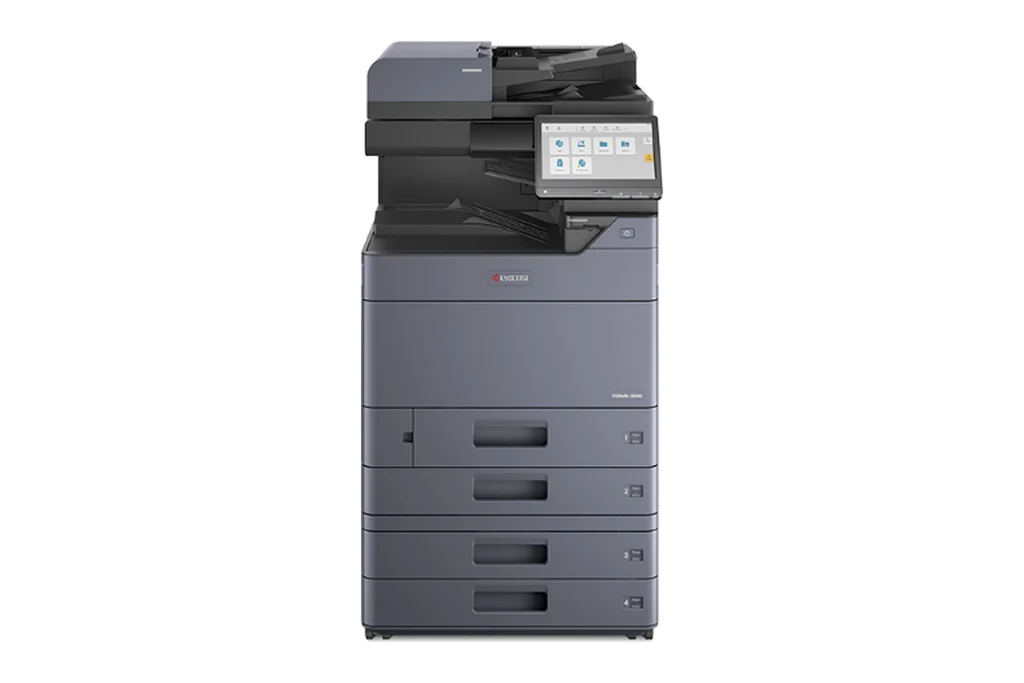
Fifty six Kyocera machines sit on our Sunshine Coast service records, more than any other brand here. The ECOSYS M6526cdn, P2135 and M8124cidn, and the older FS-6530MFP and FS-C8520MFP, come up most, from Caloundra and Maroochydore up to Coolum Beach, Yandina and Cooroy. Kyocera is one of the three brands we lead with, and we supply new ECOSYS and TASKalfa machines with a service agreement. On the ones you already have, the maintenance kit and the fuser are most of the work.
Kyocera on our Sunshine Coast records
From our own records: the booking desk (casual calls booked, 2017 to 2025) and our service records (the machines we have serviced since 2017). Neither is the whole list.
Models we see most
- ECOSYS M6526cdn
- ECOSYS P2135
- FS-6530MFP
- FS-C8520MFP
- ECOSYS M8124cidn
- ECOSYS M2540dn
Where they are
- Caloundra
- Maroochydore
- Coolum Beach
- Yandina
- Cooroy
- Kunda Park
Our booking desk has also taken 19 Kyocera calls on the Sunshine Coast since 2017, fifth among the brands we are booked to there.
The Kyocera machines we look after on the Sunshine Coast
TASKalfa 3051ci, TASKalfa 3551ci, TASKalfa 4551ci and TASKalfa 5551ci, and the later TASKalfa ci ranges.
The TASKalfa mono A3 multifunctions.
ECOSYS M8124cidn and ECOSYS M8130cidn.
ECOSYS P5026cdw, ECOSYS M5526cdw, ECOSYS P6035cdn and ECOSYS P7040cdn.
ECOSYS P2035d, ECOSYS P2135d and ECOSYS P4040dn, and the newer MA and PA models.
FS-2100DN and FS-4100DN.
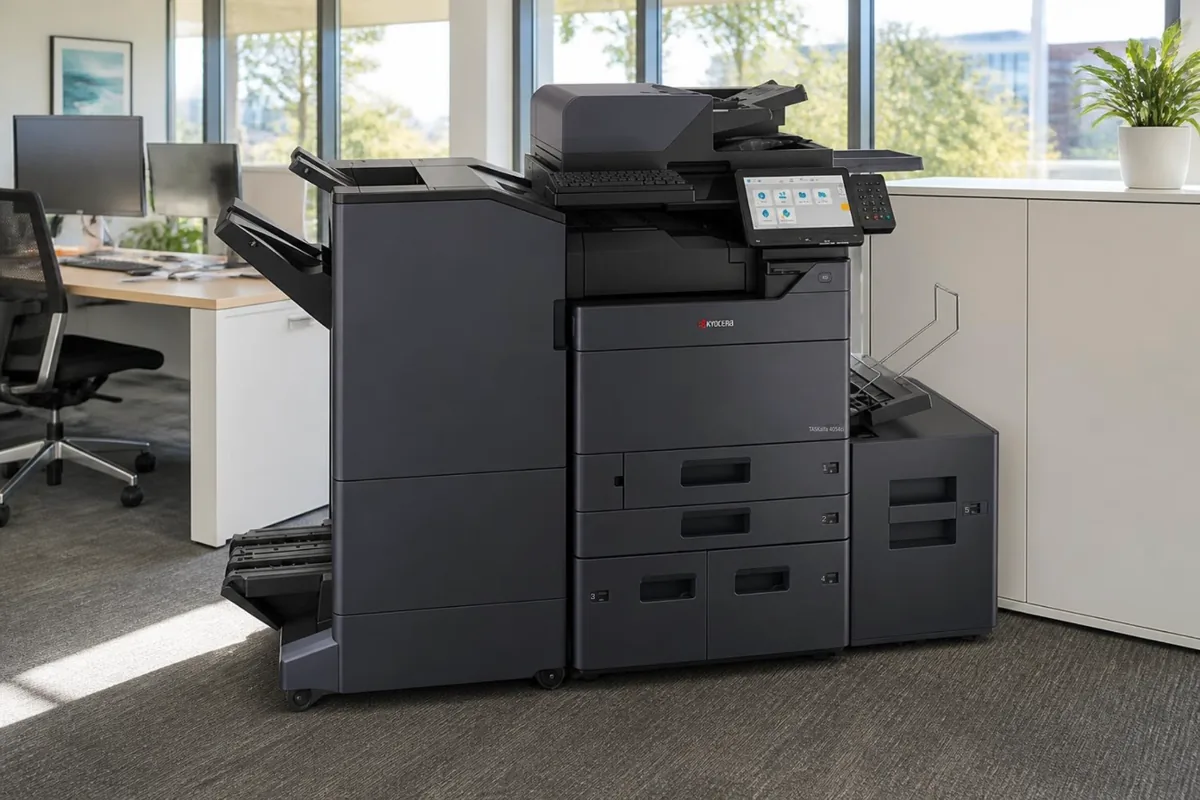
Kyocera TASKalfa 4054ci, one of the Kyocera photocopiers we repair on the Sunshine Coast.
Kyocera photocopier repairs on the Sunshine Coast: the faults we fix
Colour edges that do not line up, such as a cyan or magenta halo around black text, mean the four images are not meeting precisely on the intermediate transfer belt, the TR unit. The belt has to run straight and at an even speed. When it wanders sideways and cannot be steered back, the machine stops with C2770. Keep a sample for the technician.
Jams numbered J0501 to J0519, with the panel showing letter A or B, mean a sheet failed to leave cassette 1 or 2, or two went together. Each cassette feeds through a set of rollers, one of them a retard roller that turns against the sheet to hold back the one beneath. Glazed rubber loses grip. Try a fresh ream; persistent jams mean new rollers.
Originals stop partway through the document processor and the panel shows J9000 or another J9 code, with letter H for where to look. Open the processor cover as the panel shows, take the original out flat, and check it is not stapled, torn or curled. If jams keep happening with good originals, the processor's own feed rollers have glazed and need replacing.
Kyocera codes we are called to on the Sunshine Coast
A code tells the technician which part of the Kyocera to look at before leaving. The ones that come up most:
| Code | What it points to | Restart? |
|---|---|---|
| C1010, C1020 | Cassette 1 or cassette 2 did not lift once pushed in. Check its lift plate moves freely, then book a call. | Needs a technician |
| C1800 | Communication with the optional paper feeder has dropped, so the cassettes in that feeder are out of action. | Needs a technician |
| C2201 to C2203, C2211 to C2213 | A drum motor failed to reach speed, or could not hold steady once running. A drive fault for the technician. | Needs a technician |
| C2770 | The intermediate transfer belt drifted sideways and the machine could not steer it back into line. | Needs a technician |
| C2810 | The inner waste toner motor has stalled, so used toner is not being carried away inside the machine. | Needs a technician |
| C3100 | The scanner carriage did not find home. If the machine was just moved, say so, as the scanner lock may still be set. | Needs a technician |
Before you book a Kyocera call
Three things that help the technician arrive with the right part:
- The C code shown with Call service, such as C6000 or C7101. The first digit tells us whether it is the fuser, a motor or the developer.
- The total page count from the Counter screen. Kyocera rates its service parts by page count, so it tells us what is due.
- The exact model, such as ECOSYS M5526cdw or TASKalfa 3253ci. ECOSYS and TASKalfa parts are not interchangeable.
And some quick checks that often save a visit:
- For a cassette that will not lift, pull it out, remove anything caught under the lift plate, and check the plate moves freely before you push it back in.
- Check the paper size and type set for each cassette in System Menu match what is loaded, and that the paper came from a sealed, dry ream.
- If the panel says to check the waste toner box, make sure it is seated properly. A full box has to be replaced before the machine will print again.
Many Coast businesses work from home offices, medical suites and shopfronts as well as Maroochydore and Kawana office buildings. Tell the desk where the machine is and how to reach it, and ring the local number, (07) 5327 3465.
Every Kyocera code family, and which ones clear with a restart
Booking a Kyocera repair on the Sunshine Coast
Ring (07) 5327 3465 with the Kyocera model and what it is doing. The attendance charge is confirmed when you book, the fault is diagnosed on site, and nothing further goes ahead without your yes. On the Coast we also deliver and install new and refurbished machines, and move them when an office relocates.
Kyocera printer and copier repairs on the Sunshine Coast
On a Kyocera printer or copier, the toner container holds toner and little else. The drum and the developer, which Kyocera calls the DK and DV, are separate long life parts inside the machine, so a fresh container rarely cures a streak. Print quality is a toner matter mainly when the container is running out, or when a new one has not been pushed fully home.
Almost everything else is a printer repair, and the mark says where to look. A line or pale patch confined to one colour belongs to that colour's DK or DV. A grey haze over the white areas usually starts at the drum or developer unit; if C5101 to C5104 comes with it, the charging voltage on that drum is at fault. Colours sitting off to one side of black text point to the transfer belt unit (TR), and toner that smears points to the fuser unit (FK). Keep the page for the technician, so the copier repair on your office printer or photocopier starts at the right unit.
Repair or replace your Kyocera photocopier?
Separate the wear from the faults. A drum unit, developer unit, fuser unit or transfer belt unit at the end of its count is routine work on any Kyocera. A main board, an engine board or the fuser's induction heating board failing is not wear, and on a machine with a long history that kind of fault is where repair or replace becomes a genuine question.
When replacement is the better answer, we supply new copiers and refurbished and renewed machines on the Sunshine Coast as well, and install them.
Keeping a Kyocera photocopier running on the Sunshine Coast
Coastal storms and the occasional power dip are worth planning for on the Sunshine Coast. A Kyocera plugged straight into a wall socket shares every surge with the kitchen and the air conditioner. Give it a surge protected outlet of its own, and if it starts slowly or loses settings after a storm, mention that when you book.
- Store spare toner containers sealed, on a shelf in a cool room, away from direct sun and heaters, and fit them following the panel's own guidance.
- Load cassettes below the limit mark and push the guides gently against the stack. A loose guide lets sheets skew, and an overfilled cassette is a common source of J0501 to J0519 jams.
- Ask the technician to check firmware on service visits. The document processor and other options need firmware that matches the main machine, and a mismatch can surface as C9000.
Kyocera service agreement or a one off repair?
A Kyocera you already own, whether a TASKalfa copier or an ECOSYS printer, can go on an agreement if it is in good order. An office that prints steadily usually finds one arrangement easier than approving each repair as it arises. A printer that sees little use may suit one off repairs better. Ask the technician to look at the counters and condition before you choose.
On the Coast we also deliver, install and relocate machines, so moving premises does not mean changing who services your Kyocera. How our service agreements work.
Across the Sunshine Coast
We attend Kyocera machines anywhere around the Sunshine Coast, including:
- Birtinya
- Warana
- Wurtulla
- Currimundi
- Caloundra
- Caloundra West
- Golden Beach
- Pelican Waters
Every area we cover is on our Sunshine Coast page. For Kyocera toner, parts and new machines, see our Kyocera page.
How a service call works
- Tell us the faultMake, model and what the machine is doing. A photo of any error on the screen helps.
- Charge confirmedWe confirm the attendance charge when you book, before anyone is sent.
- Diagnosed on siteThe technician finds the cause and fixes what can be fixed on the visit.
- Nothing extra without a yesAny part or further work is quoted to you before it goes ahead.
Common questions
Which Kyocera models do you see most on the Sunshine Coast?
On our records, the ECOSYS M6526cdn, P2135 and M8124cidn, with the older FS-6530MFP and FS-C8520MFP still working in plenty of offices. We service the whole ECOSYS and TASKalfa range.
Can I just restart a Kyocera showing a C code?
Some C codes clear after a restart at the main switch and never return. C6000 series fuser codes and anything that comes straight back need a technician. If the same code returns, book a call and quote it.
Is there a local number for the Sunshine Coast?
Yes, (07) 5327 3465. It reaches the same service desk that books every DSA call.
Are your technicians qualified?
All our technicians are trained and certified.
What is the difference between a Kyocera C code and F code?
A C code is the machine reporting a fault in one of its parts, numbered by area, such as the C6000 range for the fuser. An F code is a system error, where the main board has lost contact or failed a check with the panel, the print engine or the scanner. Many F codes clear with a proper restart; C codes pointing at a part come back until it is fixed.
Can I fit a Kyocera maintenance kit myself?
It is a job for the technician. The kit can include parts such as the fuser, which runs hot, and the count has to be cleared once the kit is in, so the next warning comes at the right page count. The technician also checks what the kit does not cover, such as the cassette rollers and the document processor, while the machine is open.
Why does my Kyocera jam more after a wet week on the Sunshine Coast?
Damp paper. Paper that has been open in a humid room curls when it is heated and jams near the exit, or sticks and double feeds. Fresh, sealed paper usually settles it; if it does not, the rollers need a look.
Kyocera repairs in other cities
Kyocera parts, by part number
If you already have a part number, from the machine or an old box, look it up in our Kyocera spare parts list. We can supply the part by itself, or have one of our technicians fit it on the Sunshine Coast. A few more parts that fit TASKalfa models are on our Copystar parts list.
Other brands we repair on the Sunshine Coast
DSA is an independent service provider. Kyocera is a trademark of its owner and is used here only to describe the machines we service.