From a single LaserJet on a reception desk to DesignJet plotters in a drawing office, we repair and maintain HP printing across the range, and we supply new HP machines.
HP has the largest installed base of any brand we attend, from single desktop printers to floor standing multifunctions and DesignJet large format printers. We sell new HP printers and multifunctions and repair the full range.
Firmware matters more on HP than on most brands, and a machine that stopped talking to the network after an update is a common call rather than a rare one. Most of the rest is feed, fuser and imaging work.
HP service we provide
- On site breakdown repairs and fault diagnosis
- Scheduled maintenance and wear part replacement
- Print quality problems: streaks, marks and faded prints
- Paper feed and jam problems, including rollers and feed assemblies
- Scanning, network and driver setup
- Contract servicing with toner included
- New HP machines, delivered and installed
Common HP work
The classic LaserJet jam: the machine picks up nothing, or two sheets at once. A roller kit usually fixes it.
Toner that smears or rubs off, wrinkled pages, or a fuser error. Common on busy LaserJets.
Printers that disappear from the network, or stop working for one computer, after an update or a router change.
Printhead, cutter and media feed faults on HP plotters used by architects, engineers and builders.
HP machines we service
- LaserJet Pro
- Color LaserJet Pro
- LaserJet Pro MFP
- LaserJet Enterprise
- Color LaserJet Enterprise
- LaserJet Managed
- OfficeJet Pro
- PageWide
- DesignJet
Not on the list? We service all HP models still supported with parts. Call 1300 922 260 with the model number.
We generally stop repairing HP printers over ten years old, because parts and software support run out. If yours is older than that, call us and we will help over the phone where we can.
How HP printer repairs and service work, anywhere
From a Color LaserJet Pro M454 beside a desk to a LaserJet Managed MFP E82660 serving a whole floor, every HP call comes through one service desk. The code is read first. Its first two digits name the system that raised it, so 50 means the fuser, 13 a jam and 60 a tray, and the technician attends on site knowing where to begin.
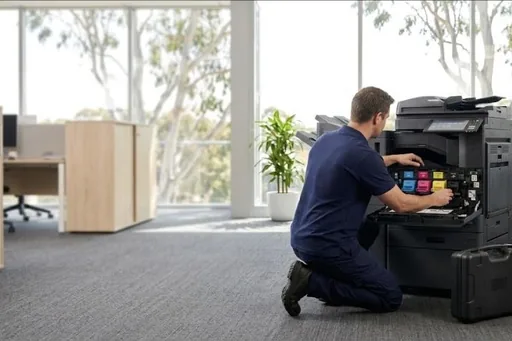
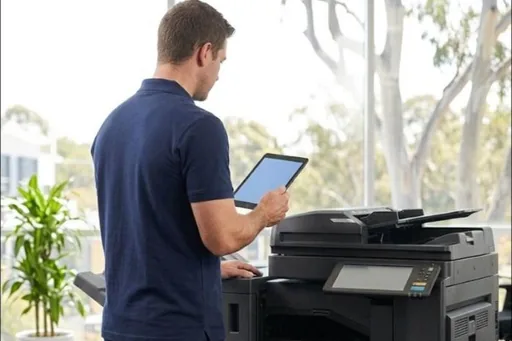
On site, the technician finds the cause rather than clearing the message, and looks at the firmware wherever network or scanning faults are involved. Any part needed is described and costed for you before it is ordered, then fitted once it arrives. What was done, and the page count at the visit, is recorded against the printer for next time.
Choosing who services your HP printers and MFPs
Ask a few direct questions. Do they read HP codes beyond the first two digits, and know a 59 motor fault from a 60 tray fault? Can they source fusers, roller kits, ITBs and document feeder parts for both LaserJet Pro and LaserJet Enterprise models? Will they tell you plainly when an HP printer is past repair, rather than fitting parts to it anyway?
Ask about firmware and the network as well. Firmware runs almost everything on a current LaserJet, and scan to email, the Embedded Web Server and network settings each fail in their own ways. A provider that only swaps parts leaves a business with half the job done. All our technicians are trained and certified.
HP printer problems, and when a repair is worth it
Most HP printer repair calls begin with one of four printer problems: paper jams that keep returning to the same tray or door, print quality faults such as streaks, smudges or toner that rubs off the page, a code on the panel that will not clear, or an HP printer that has stopped answering the network. Each points somewhere different. Toner that rubs off is a fuser matter, streaks on a Color LaserJet Pro usually begin in a toner cartridge, and repeated jams from a busy tray mean the pickup and separation rollers have worn.
Whether an HP printer is worth repairing depends on the model, its page count and the cost of the part against what the printer is still worth to you. A LaserJet Managed MFP on a busy floor usually is; an older desktop model may not be, and we say so before any part is ordered. Across the HP printer models we look after, printer maintenance at the page counts the printer reports, the fuser and roller kits on the bigger business printers, is what keeps them working between repairs.
HP toner, parts and supplies worth keeping on hand
The DSA store sells HP toner, genuine and compatible, as listed for each model. Keep one spare cartridge for each colour your office uses most, sealed in its bag and lying flat. Find out first whether your printer is restricted to genuine HP supplies, and never borrow cartridges from another printer, since protected cartridges will not work outside their own printer or fleet.
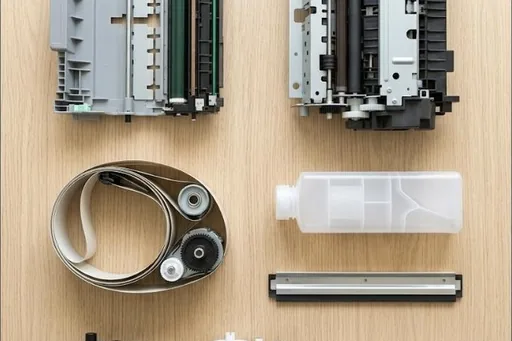
Beyond toner, HP life parts are the fuser, the pickup and separation rollers for each tray, the ITB and secondary transfer roller on colour models, and the document feeder rollers and separation pad on multifunctions. On a service agreement these are fitted at their page counts during a visit. For the busiest tray, a roller kit is worth planning for.
HP codes offices ask us about
Every HP code family, and which ones a restart may clear, is in our HP error code guide. A few that come up often:
| Code | What it points to | Restart? |
|---|---|---|
| 31.xx.xx | A document feeder or scanner error on a multifunction, including a jam inside the feeder itself. | Needs a technician |
| 33.xx.xx | A security error from the backup, disk, BIOS or HP SureStart checks that confirm the firmware is intact. | Needs a technician |
| 44.xx.xx | Digital sending, the part of the printer that scans to email and to folders, has had a firmware failure. | Needs a technician |
| 21.xx.xx | A misprint because the page was too complex for the printer to process. Send it again, simplified if you can. | Worth one restart |
| 01 | An input and output error, which includes the wireless connection. Restarting the printer is the first step to take. | Worth one restart |
| Fax storage is full | Fax memory has filled up. Restart the printer or clear stored faxes, then send large jobs in smaller parts. | Worth one restart |
| 321 | A poor phone line broke the connection with the receiving fax machine. Try sending again a little later. | Worth one restart |
HP repairs by city
Brisbane has its own page, with the HP machines we repair on site across the city and the codes we are called to: HP repairs in Brisbane.
Sydney and Melbourne have their own HP pages and local numbers: HP repairs in Sydney and HP repairs in Melbourne.
Each city we service has its own HP page too, written for that city from our own records:
Code on the panel? HP error codes explained.
New HP machines we supply
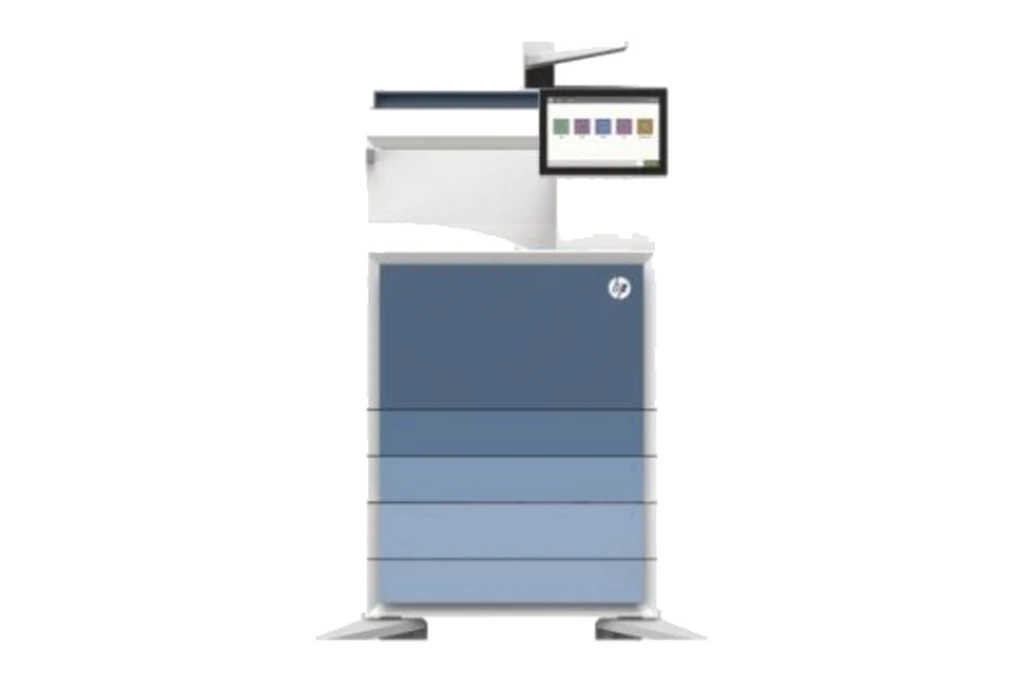
We sell new HP machines as well as servicing them, supplied with installation, a service agreement and finance to suit. Every model is call for pricing.
How a service call works
- Tell us the faultMake, model and what the machine is doing. A photo of any error on the screen helps.
- Charge confirmedWe confirm the attendance charge when you book, before anyone is sent.
- Diagnosed on siteThe technician finds the cause and fixes what can be fixed on the visit.
- Nothing extra without a yesAny part or further work is quoted to you before it goes ahead.
Where we service HP machines
DSA is an independent service provider. HP is a trademark of its owner and is used here only to describe the machines we service.
What a service call looks like