
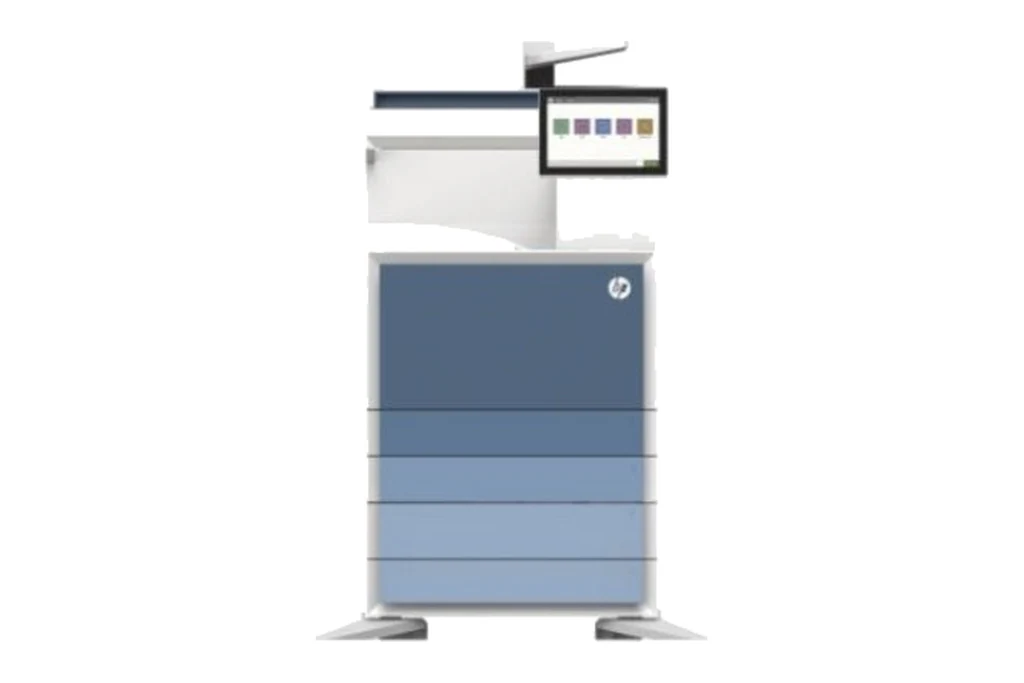
Our Gold Coast booking desk has taken 217 HP service calls since 2017, second only to Brother. The mix is wide: OfficeJet Pro 7740 and 8710 inkjets, Color LaserJet M577 and M477 multifunctions, older LaserJet M521 and P3015 workhorses, and the big Color LaserJet CM6040 MFP. HP is one of the three brands we lead with, and we supply its A3 Managed MFPs new with a service agreement. For anything already on your desk, we repair it on site from Southport and Helensvale down to Burleigh.
HP on our Gold Coast records
From our own records: the booking desk (casual calls booked, 2017 to 2025) and our service records (the machines we have serviced since 2017). Neither is the whole list.
Models we see most
- OfficeJet Pro 7740
- OfficeJet Pro 8710
- Color LaserJet M577dw
- Color LaserJet M477dw
- Color LaserJet MFP CM6040f
- LaserJet M521dn
Where they are
- Southport
- Helensvale
- Bundall
- Nerang
- Upper Coomera
- Burleigh Waters
HP is second among the brands we are booked to on the Gold Coast, and 156 HP machines are on our service records there.
The HP machines we look after on the Gold Coast
Color LaserJet Managed MFP E78523, E78528, E78625, E78630 and E78635, and E87740, E87750, E87760 and E87770.
LaserJet Managed MFP E73130, E73135 and E73140, and E82650, E82660 and E82670.
Color LaserJet Pro M454 and Color LaserJet Pro MFP M479.
LaserJet Pro, LaserJet Pro MFP, LaserJet Enterprise and Color LaserJet Enterprise printers and multifunctions.
OfficeJet Pro and PageWide business printers and multifunctions.
DesignJet plotters.
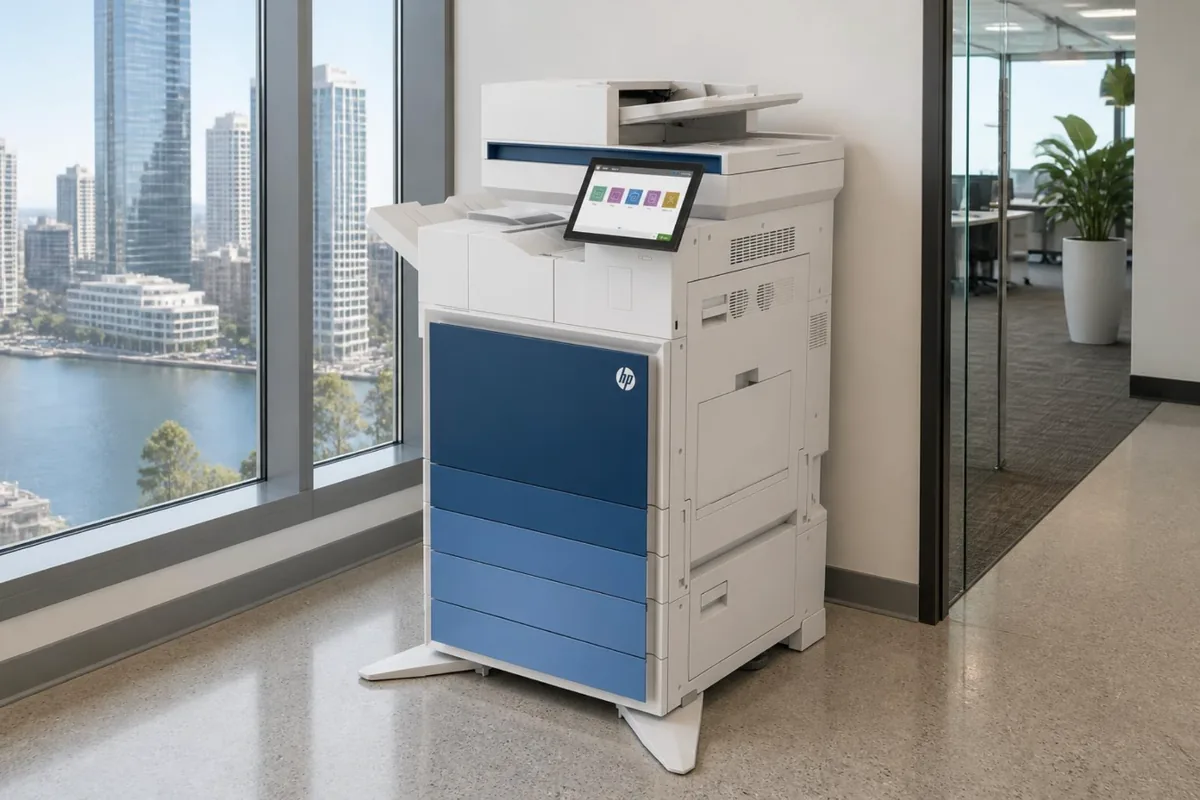
HP Color LaserJet Managed MFP E78630, one of the HP printers we repair on the Gold Coast.
HP printer repairs on the Gold Coast: the faults we fix
Toner that smears under a thumb, pages that come out wrinkled, or a panel code starting 50 all lead to the fuser. On a LaserJet it is a thin fuser film running around a heater, with a pressure roller squeezing the sheet against it. The printer checks that heat constantly and stops when a reading falls outside its limits. A 50 code needs the technician.
Tray 2 makes its usual pickup noise, nothing comes through, and the panel reports a jam. The rubber pickup and feed rollers have glazed with paper dust and wear, so they slide over the top sheet instead of driving it forward. They are replaceable parts, and a fresh set for that tray brings back clean single sheet feeding.
Many HP trays lift the paper stack up to the pickup roller before feeding, and a code starting 60 means that lift or the pickup failed. Take the tray out, check nothing has dropped beneath the stack and reload below the fill marks. If the code returns with the tray properly loaded, the tray motor or pickup needs the technician.
HP codes we are called to on the Gold Coast
Quote the code on the panel when you book. These are the HP codes we are asked about most here, and what each one points to.
| Code | What it points to | Restart? |
|---|---|---|
| 50.xx.xx | A fuser error. The printer stops for safety until the cause is found, which is often the fuser itself. | Needs a technician |
| 13.xx.xx | A sheet stopped in the paper path, or a door was opened while paper was moving. Clear it, and restart if the message stays. | Worth one restart |
| 10.xx.xx | A supplies error: the printer could not accept a toner cartridge or read the memory chip on it. | Needs a technician |
| 10.00.11 | The black cartridge's memory chip sent bad data, so the printer refuses it. Moving one cartridge through too many printers can cause this. | Needs a technician |
| 59.xx.xx | A motor error. The M454 and M479 report this for their drum, fuser and developer disengagement motors. | Needs a technician |
| 60.xx.xx | Tray motor trouble. Either the tray never raised its stack into position, or no sheet was taken from it. | Needs a technician |
Before you book an HP call
Three things that help the technician arrive with the right part:
- The full code, such as 13.B2.D2 or 50.4X.XX, not just Paper jam or Error. HP's first two digits name the area of the printer.
- The model and its suffix, such as M479fdw or E78630. The letters change the trays, the scanner and the parts.
- Whether a firmware update ran just before the fault. A printer that stopped after an update needs a different fix from one that wore out.
A few things you can safely check yourself:
- Print a configuration page from the panel. It shows the serial number, firmware version, network address and page count, which covers most of what the technician will ask.
- On a small LaserJet with a two line panel, note which lights are on. A blinking Attention light is an error; Ready and Attention together mean a firmware crash.
- Try one restart: turn the printer off at its power switch, wait 30 seconds and turn it on. Many jams and communication errors clear this way, but a 50 code will not.
Coast offices range from Southport towers to light industrial units in Yatala and Molendinar. Let the desk know about parking, any building sign in, and whether the machine sits upstairs, so the technician arrives ready for the site.
Every HP code family, and which ones clear with a restart
Booking an HP repair on the Gold Coast
Our Gold Coast technicians work out of the region, so an HP call here is booked straight into the Coast run rather than sent down the highway. Tell us the make, model and fault, we confirm the attendance charge, and the technician diagnoses it on site. On the Coast we also deliver and install new and refurbished machines, and relocate them when an office moves.
HP printer and copier repairs on the Gold Coast
Paper jams on an HP printer show as a 13 code, and the panel names the place, such as the document feeder, Tray 1, Tray 2, the optional 550 sheet Tray 3, the rear door and fuser area, the output bin or the duplexer. Two habits cause plenty of repeat jams. Topping up a half empty tray by laying new paper on the old lets the stack sit unevenly, so take the old sheets out, square them with the new and reload. And a torn corner left behind after one jam catches the next sheet.
Clear each jam following the panel's own instructions; the fuser is above the rear door and runs hot. If the panel keeps naming the same place with fresh, dry paper, it has become a printer repair: pickup and separation rollers for a tray, or the fuser and exit path for the rear door. On a Managed multifunction doing a photocopier's work, that copier repair is often planned around the busiest tray, whose rollers wear first.
Repair or replace your HP printer?
An A4 Color LaserJet Pro M454 and an A3 Color LaserJet Managed MFP E78630 are very different repair decisions. On the M454 much of the imaging sits inside the toner cartridges, so the printer itself carries fewer life parts. On the Managed MFPs, which do the work of commercial copiers, the fuser, rollers, transfer parts and document feeder all wear by count, and on a sound machine those parts are usually worth replacing.
When replacement is the better answer, we supply new copiers and refurbished and renewed machines on the Gold Coast as well, and install them.
Keeping an HP printer running on the Gold Coast
A lot of Coast offices are busy in bursts: real estate in the spring rush, hospitality and accommodation through the holidays, building and trades all year. A HP that sits quiet for a while and then runs hard is the one that shows worn rollers and a tired fuser first, so a check before the busy season pays for itself.
- Keep reams sealed until needed and store them flat, off the floor. Humid air makes paper curl, and curled sheets are a frequent cause of jams near the rear door and duplexer.
- Keep a note of the printer's IP address, its scan to email settings and the admin password for the Embedded Web Server, so settings can be restored after a network change.
- Set the paper type on the panel for labels, card and envelopes, and feed them from Tray 1. Fusing and transfer settings change with the type, which reduces smearing and creasing.
HP service agreement or a one off repair?
Billing works from meter readings. Most machines email theirs each month; where one does not, you get a reminder, or you can scan the sticker on the printer and enter the reading through the customer portal. For a lightly used LaserJet Pro on a desk, paying for one off repairs and service calls may suit you better.
On the Coast we also deliver, install and relocate machines, so a HP on agreement can be moved with the office without changing who looks after it. How our service agreements work.
Across the Gold Coast
We attend HP machines anywhere around the Gold Coast, including:
- Currumbin
- Coolangatta
- Nerang
- Carrara
- Ashmore
- Molendinar
- Arundel
- Labrador
Every area we cover is on our Gold Coast page. For HP toner, parts and new machines, see our HP page.
How a service call works
- Tell us the faultMake, model and what the machine is doing. A photo of any error on the screen helps.
- Charge confirmedWe confirm the attendance charge when you book, before anyone is sent.
- Diagnosed on siteThe technician finds the cause and fixes what can be fixed on the visit.
- Nothing extra without a yesAny part or further work is quoted to you before it goes ahead.
Common questions
Is an HP inkjet worth repairing on the Gold Coast?
The business OfficeJet Pro and PageWide models often are, because most faults are paper feed or a printhead. Home inkjets usually are not, and we will say so before anyone is booked.
What does a 50 code mean on an HP?
The 50.xx.xx codes belong to the fuser: temperature, heater or sensor faults. The printer stops to protect itself, and the fault usually means a fuser replacement or a check of its connections. We bring the fuser that fits your model.
What if my HP needs a part?
The technician confirms the part on the first visit and it is quoted to you before it is ordered. Once it arrives, it is fitted on a return visit without a second diagnosis.
Are your technicians qualified?
All our technicians are trained and certified.
Why is my HP LaserJet picking up two sheets at once?
Double feeds mean the separation roller or separation pad in that tray is no longer holding back the sheets below the top one. Paper that is humid, freshly cut or clinging together with static makes it worse. Fan the stack, try a new ream and check the guides are snug. If it continues from the same tray, its pickup and separation rollers need replacing.
Why does my HP keep jamming at the rear door?
The rear door area is where the sheet leaves the fuser, so jams there often involve curled or damp paper, a fuser that is wearing, or a sheet wrinkling on its way through. Clear those jams carefully, following the panel's instructions, because the fuser is hot. If they keep happening with fresh paper, the fuser or exit rollers need checking.
Can you service a HP before the Gold Coast busy season?
Yes. A service visit checks the rollers, the fuser and the life parts against their page counts and fits what is due, so the machine is ready before the office gets busy.
HP repairs in other cities
Other brands we repair on the Gold Coast
DSA is an independent service provider. HP is a trademark of its owner and is used here only to describe the machines we service.