
We have taken 27 HP service calls in Melbourne since 2017, level with Epson and second only to Konica Minolta. The HP machines on our Melbourne records include Color LaserJet M476dw multifunctions and LaserJet P4515 and M4555 workhorses, from Flemington and Footscray to Mitcham and Hallam. As one of our lead brands, HP's A3 Managed MFPs are also supplied new with a service agreement. On the machines you already have, our local technician diagnoses the fault on site and parts are shipped to your office.
HP on our Melbourne records
From our own records: the booking desk (casual calls booked, 2017 to 2025) and our service records (the machines we have serviced since 2017). Neither is the whole list.
Models we see most
- Color LaserJet M476dw
- LaserJet MFP M4555
- LaserJet P4515n
Where they are
- Flemington
- Mitcham
- Footscray
- Hallam
- Hampton
HP is level second among the brands we are booked to in Melbourne, and five HP machines are on our service records there.
The HP machines we look after in Melbourne
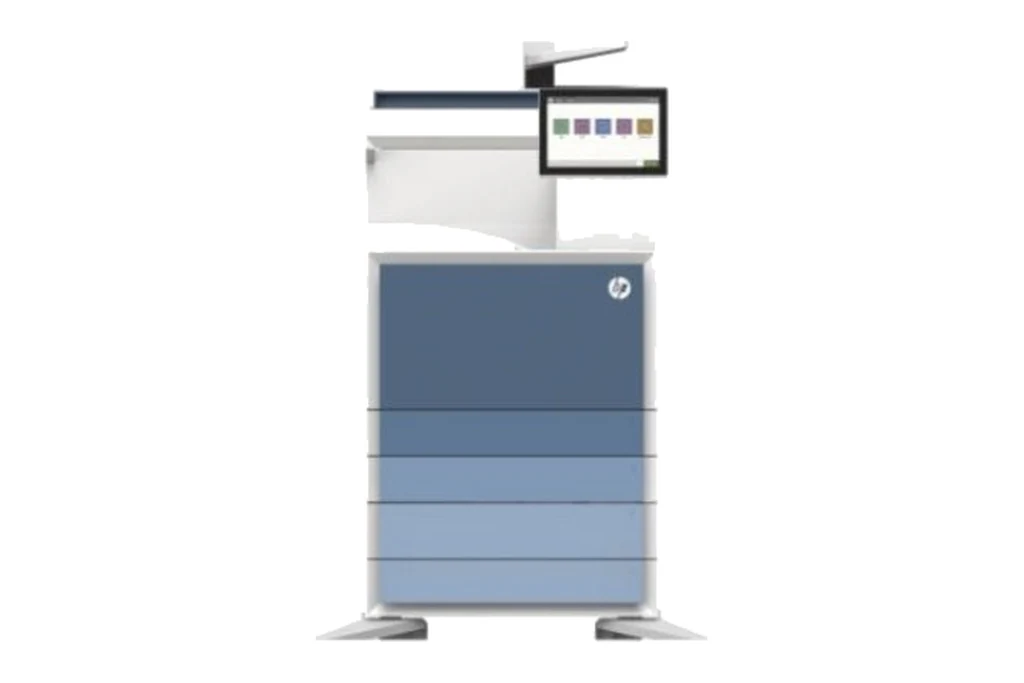
Color LaserJet Managed MFP E78523, E78528, E78625, E78630 and E78635, and E87740, E87750, E87760 and E87770.
LaserJet Managed MFP E73130, E73135 and E73140, and E82650, E82660 and E82670.
Color LaserJet Pro M454 and Color LaserJet Pro MFP M479.
LaserJet Pro, LaserJet Pro MFP, LaserJet Enterprise and Color LaserJet Enterprise printers and multifunctions.
OfficeJet Pro and PageWide business printers and multifunctions.
DesignJet plotters.
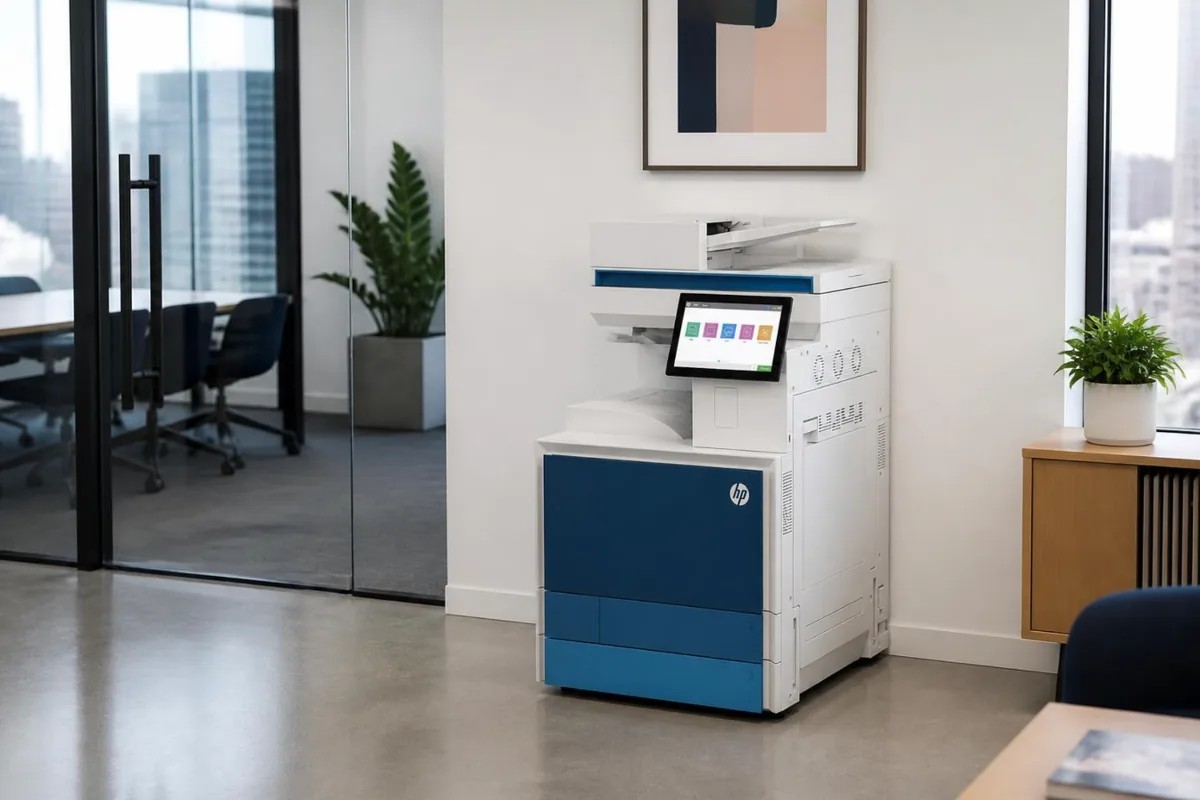
HP Color LaserJet Managed MFP E87750, one of the HP printers we repair in Melbourne.
HP printer repairs in Melbourne: the faults we fix
Two or three sheets arriving together, often followed by a jam at the duplexer or output bin, points to the separation roller or separation pad. Its job is to hold back every sheet except the top one, and once worn smooth it lets sheets through in bundles. Fan the paper and try a fresh ream; if double feeds continue, that tray's rollers need replacing.
A 53 code after a move or a bump often means the printer saw a tray or the duplexer as fitted or removed. An optional 550 sheet Tray 3 connects through the base, so a printer not sitting squarely on it can lose contact. Check it is seated evenly. The same family also covers a failed lifter in Trays 1 to 3.
A code starting 10 means the printer could not read or accept a cartridge. On the M454 and M479, 10.00.11 is the black cartridge giving bad data from its memory chip, and 10.01.11, 10.02.11 and 10.03.11 are cyan, magenta and yellow. Reseat that cartridge once. One known cause is a cartridge moved between too many printers, which locks it out for good.
HP codes we are called to in Melbourne
Some HP codes clear with one restart at the main power switch; others lock the machine until a technician has fixed the cause.
| Code | What it points to | Restart? |
|---|---|---|
| 52.xx.xx | The motor inside the laser scanner did not start up properly, so printing cannot begin. | Needs a technician |
| 57.xx.xx | A fan has stopped working. On the M454 and M479 it is either the power supply fan or the cartridge fan. | Needs a technician |
| 58.xx.xx | The print engine reported a power failure, and a technician needs to trace where the fault begins. | Needs a technician |
| 54.xx.xx | A sensor error that has nothing to do with a paper jam. The full code narrows down which condition was found. | Needs a technician |
| 55.xx.xx | An engine data error, reported by the print engine itself. It needs the technician, so note every character of the code. | Needs a technician |
| 30.xx.xx | An error inside the flatbed scanner of a multifunction model, separate from the document feeder on top. | Needs a technician |
Before you book an HP call
Three things that help the technician arrive with the right part:
- The full code, such as 13.B2.D2 or 50.4X.XX, not just Paper jam or Error. HP's first two digits name the area of the printer.
- Which tray the paper comes from when it jams. Tray 1 and Tray 2 have separate pickup rollers.
- Whether a firmware update ran just before the fault. A printer that stopped after an update needs a different fix from one that wore out.
Some safe checks first:
- Copy the complete code from the panel, every character, for example 10.00.11, and note what the printer was doing at the time: printing, copying or scanning.
- Print a configuration page from the panel. It shows the serial number, firmware version, network address and page count, which covers most of what the technician will ask.
- For a jam, open only the door or tray the panel names and ease the sheet out following its instructions. Keep fingers away from the area above the rear door, where the fuser sits.
Every HP code family, and which ones clear with a restart
Booking an HP repair in Melbourne
Melbourne HP calls come in on (03) 8538 1600 and are booked through our service desk. The attendance charge is confirmed before anyone is sent, our local technician diagnoses the fault on site, and any part is shipped to your office for the return visit.
HP printer and copier repairs in Melbourne
Many offices with HP run two kinds: an A4 Color LaserJet Pro M454 or MFP M479 beside a desk, and an A3 Managed MFP that the whole floor walks to and uses as its photocopier. The desk HP printer's faults land on one person, who often works around a streak or a stubborn tray rather than reporting it. Faults on the shared machine land on everyone and are reported at once.
That difference shapes printer repairs. Report a desk printer's small faults early: a tray that needs two goes to pick up a sheet has rollers on the way out, and fixing it then is one part. On the A3 multifunction, copier repairs involve more assemblies, from the document feeder and extra trays to the ITB, with firmware kept current, so the code and a note of which functions still work, print, copy or scan, help the technician plan the visit.
Repair or replace your HP printer?
Before replacing an HP that has stopped scanning or dropped off the network, rule out settings and firmware. An update, a router change or a new mail server is behind many of these calls, and none of them means the hardware has failed. A new printer would need exactly the same settings, so replacement alone would not cure the problem.
When replacement is the better answer, new machines are on our new copiers page, delivered and set up in Melbourne.
Keeping an HP printer running in Melbourne
Melbourne swings between dry, heated winter offices and muggy summer days, and a HP feels both. Dry winter air builds static, so sheets cling together and double feed; humid days curl paper and cause exit jams. Store paper sealed and away from heaters, and fan the edges of a ream before loading it.
- Set the paper type on the panel for labels, card and envelopes, and feed them from Tray 1. Fusing and transfer settings change with the type, which reduces smearing and creasing.
- Let firmware updates run to the end without switching off. Interrupting one can leave the printer unable to start, and recovering it then becomes a job for the technician.
- Do not swap cartridges between printers to test a fault. A cartridge that has passed through too many printers can lock itself out permanently, and protected cartridges only work in their own printer or fleet.
HP service agreement or a one off repair?
Billing works from meter readings. Most machines email theirs each month; where one does not, you get a reminder, or you can scan the sticker on the printer and enter the reading through the customer portal. For a lightly used LaserJet Pro on a desk, paying for one off repairs and service calls may suit you better.
Melbourne has its own page for planned servicing. Parts for a Melbourne HP are shipped to your office ahead of the return visit. Photocopier servicing in Melbourne.
Across Melbourne
We attend HP machines anywhere around Melbourne, including:
- Springvale
- Noble Park
- Narre Warren
- Berwick
- Pakenham
- Frankston
- Brunswick
- Coburg
Every area we cover is on our Melbourne page. For HP toner, parts and new machines, see our HP page.
For planned servicing rather than a breakdown, see photocopier servicing in Melbourne.
How a service call works
- Tell us the faultMake, model and what the machine is doing. A photo of any error on the screen helps.
- Charge confirmedWe confirm the attendance charge when you book, before anyone is sent.
- Diagnosed on siteThe technician finds the cause and fixes what can be fixed on the visit.
- Nothing extra without a yesAny part or further work is quoted to you before it goes ahead.
Common questions
Do you repair the HP LaserJet M4555 in Melbourne?
Yes. Older LaserJet Enterprise multifunctions such as the M4555 are still worth keeping going while parts are available, and fusers and feed rollers are the usual work.
Can you set up HP scanning to email after a server change?
Yes. Scan to email stops when mail settings or passwords change, and it is usually a settings job on the printer rather than a part.
Which parts of Melbourne do you cover?
The CBD and inner suburbs, the east out to Ferntree Gully and Rowville, the south east through Dandenong to Pakenham and Frankston, the north to Epping and Craigieburn, and the west to Werribee and Tarneit. Call to check your suburb.
Are your technicians qualified?
All our technicians are trained and certified.
Why has scanning to email stopped with a 44 error?
The 44 family belongs to digital sending, which handles scans to email and network folders, and it means that function's firmware has failed. Printing can often continue in the meantime. Try a single restart. If the code persists, the technician attends to the firmware and then checks the scan to email settings in the Embedded Web Server before leaving.
Why do my HP prints have a mark repeating down the page?
A mark that recurs at an even spacing comes from something round turning against the paper: on a Color LaserJet Pro that is usually a drum inside a toner cartridge, the transfer belt or the fuser. If the mark is in one colour only, try a new cartridge of that colour first. If it shows in every colour, the belt or fuser is more likely, and the printed sample is worth keeping for the visit.
Why does my HP double feed more in a Melbourne winter?
Static. Heated offices dry the air, and dry sheets cling together and feed two at a time. Fanning the ream before loading it, and storing paper away from heaters, usually fixes it. If it carries on, the separation pad or roller is worn.
HP repairs in other cities
Other brands we repair in Melbourne
DSA is an independent service provider. HP is a trademark of its owner and is used here only to describe the machines we service.