
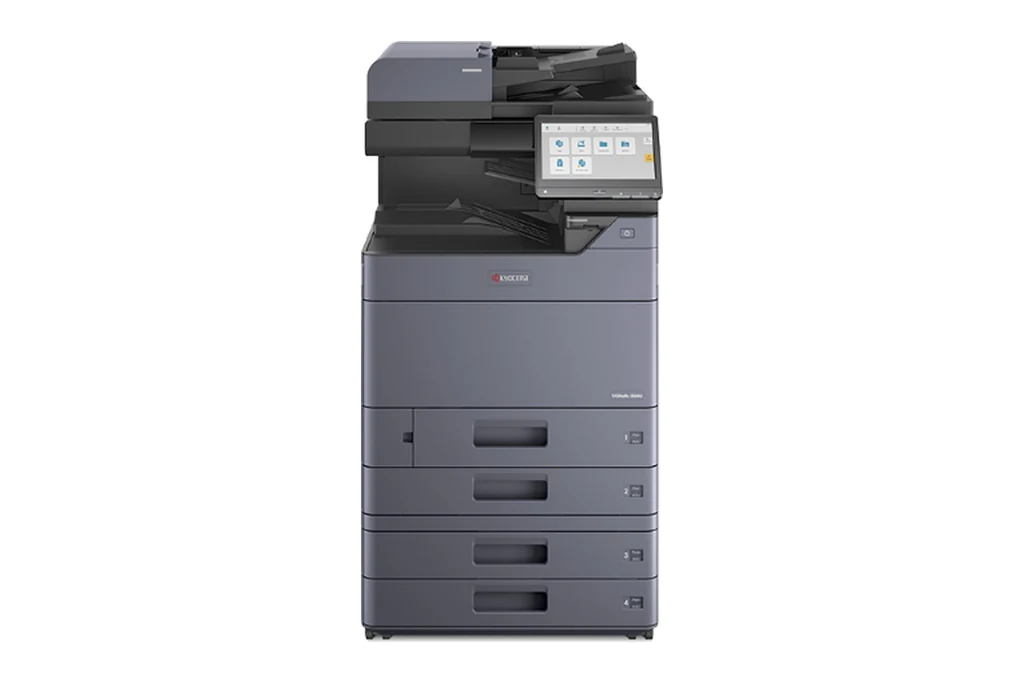
We supply new Kyocera ECOSYS and TASKalfa machines with a service agreement as well as repairing the ones Melbourne offices already have, from long lived FS printers such as the FS-2100DN on our records to TASKalfa colour copiers. Kyocera builds its machines around page counted maintenance kits, so much of the work is planned: give us the model and the counter and the kit is shipped to your office ahead of the visit.
The Kyocera machines we look after in Melbourne
TASKalfa 3051ci, TASKalfa 3551ci, TASKalfa 4551ci and TASKalfa 5551ci, and the later TASKalfa ci ranges.
The TASKalfa mono A3 multifunctions.
ECOSYS M8124cidn and ECOSYS M8130cidn.
ECOSYS P5026cdw, ECOSYS M5526cdw, ECOSYS P6035cdn and ECOSYS P7040cdn.
ECOSYS P2035d, ECOSYS P2135d and ECOSYS P4040dn, and the newer MA and PA models.
FS-2100DN and FS-4100DN.
Before you book a Kyocera call
Three things that help the technician arrive with the right part:
- Whether the panel says Maintenance is needed. On a Kyocera that is the MK kit count being reached, not a breakdown.
- The total page count from the Counter screen. Kyocera rates its service parts by page count, so it tells us what is due.
- Which cassette is jamming, or the multipurpose tray, and whether the document processor jams as well.
Every Kyocera code family, and which ones clear with a restart
Booking a Kyocera repair in Melbourne
Ring (03) 8538 1600 with the Kyocera model and the fault. You hear the attendance charge first, the technician finds the cause where the machine stands, and nothing extra goes ahead without your yes. Parts are shipped to your office, so the job keeps moving.
Across Melbourne
We attend Kyocera machines anywhere around Melbourne, including:
- Boronia
- Croydon
- Rowville
- Dandenong
- Keysborough
- Springvale
- Noble Park
- Narre Warren
Every area we cover is on our Melbourne page. For Kyocera toner, parts and new machines, see our Kyocera page.
How a service call works
- Tell us the faultMake, model and what the machine is doing. A photo of any error on the screen helps.
- Charge confirmedWe confirm the attendance charge when you book, before anyone is sent.
- Diagnosed on siteThe technician finds the cause and fixes what can be fixed on the visit.
- Nothing extra without a yesAny part or further work is quoted to you before it goes ahead.
Common questions
Do you still service Kyocera FS printers in Melbourne?
Yes. The FS range was built for long life, and machines such as the FS-2100DN are still worth keeping going while parts are available.
Are older Kyocera FS machines worth repairing?
Often. The FS range was built for long life and many are still printing. We check that parts are available for the model before recommending a repair.
Will I get a surprise bill on a Melbourne Kyocera repair?
No. We confirm the attendance charge before anyone is booked, and any part or further work is quoted to you before it goes ahead.
Are your technicians qualified?
All our technicians are trained and certified.
Kyocera repairs in other cities
DSA is an independent service provider. Kyocera is a trademark of its owner and is used here only to describe the machines we service.