
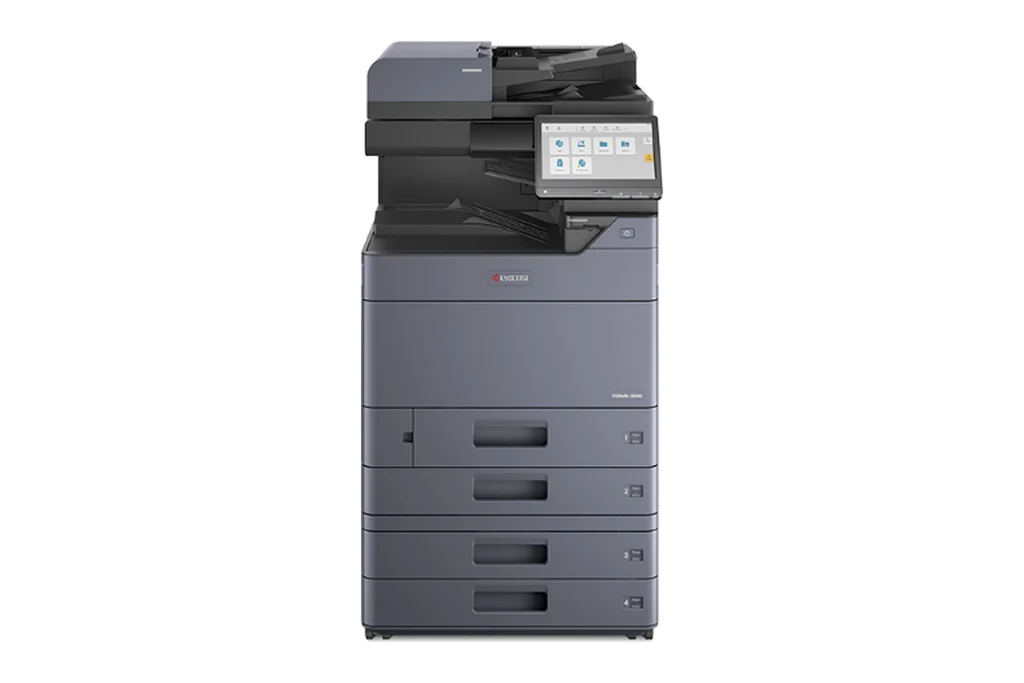
Canberra keeps us busy with Kyocera: 26 bookings since 2017 and 23 Kyocera machines on our service records, the ECOSYS M8124cidn, M6230cidn, M2040dn and P6035cdn and the older FS-C8525MFP among them. Fyshwick has more than anywhere else, then Belconnen, Mitchell and Barton. We supply new Kyocera machines with a service agreement, and on the ones you have, fit the MK kits and fix the C codes on site.
Kyocera on our Canberra records
From our own records: the booking desk (casual calls booked, 2017 to 2025) and our service records (the machines we have serviced since 2017). Neither is the whole list.
Models we see most
- ECOSYS M8124cidn
- ECOSYS M2040dn
- ECOSYS P6035cdn
- ECOSYS M6230cidn
- ECOSYS P3045dn
- FS-C8525MFP
Where they are
- Fyshwick
- Belconnen
- Mitchell
- Barton
- Braddon
- Phillip
Kyocera is fifth among the brands we are booked to in Canberra, and 23 Kyocera machines are on our service records there.
The Kyocera machines we look after in Canberra
TASKalfa 3051ci, TASKalfa 3551ci, TASKalfa 4551ci and TASKalfa 5551ci, and the later TASKalfa ci ranges.
The TASKalfa mono A3 multifunctions.
ECOSYS M8124cidn and ECOSYS M8130cidn.
ECOSYS P5026cdw, ECOSYS M5526cdw, ECOSYS P6035cdn and ECOSYS P7040cdn.
ECOSYS P2035d, ECOSYS P2135d and ECOSYS P4040dn, and the newer MA and PA models.
FS-2100DN and FS-4100DN.
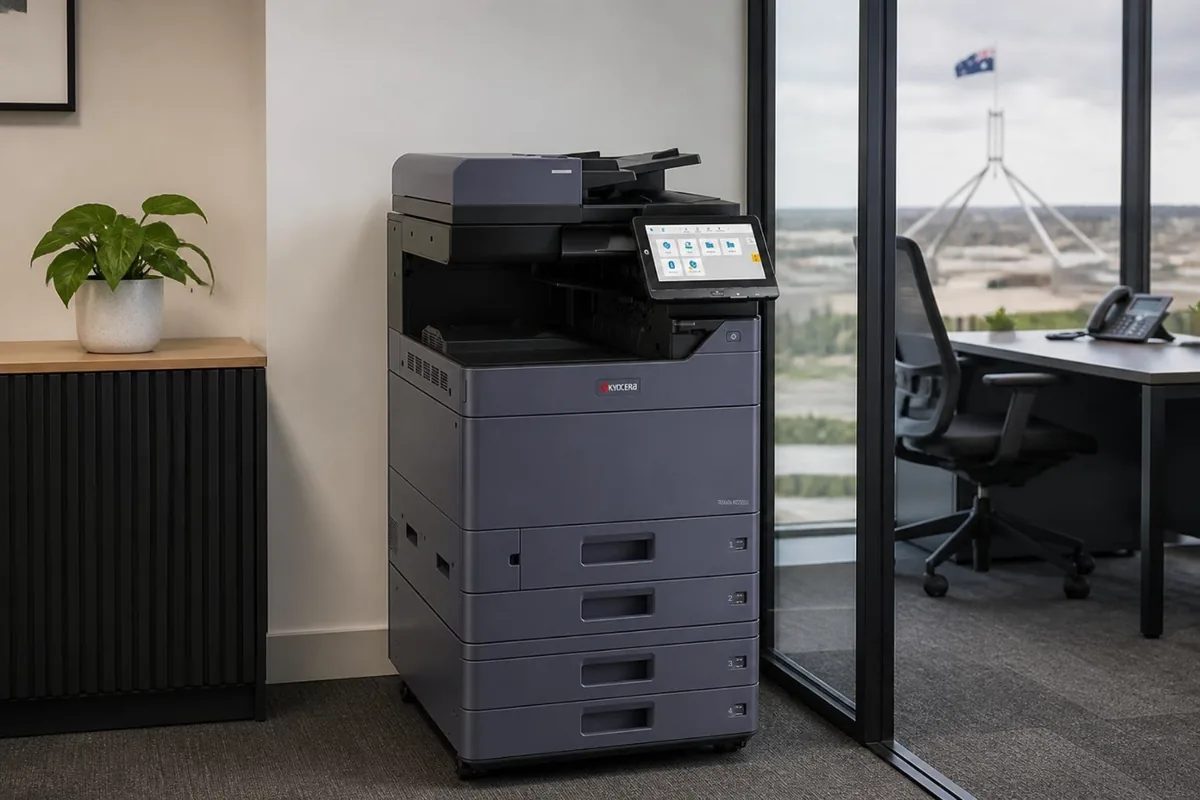
Kyocera TASKalfa MZ2501ci, one of the Kyocera photocopiers we repair in Canberra.
Kyocera photocopier repairs in Canberra: the faults we fix
A cassette goes back in but never lifts, and C1010 or C1020 appears for cassette 1 or 2. Pull it out and look for a sheet folded under the lift plate or something dropped into the slot, and check the plate moves without catching. Reload below the limit mark. If the code still comes up, the lift motor or its sensor needs the technician.
Copies made through the document processor carry a fine line, while the same page laid on the platen copies clean. The processor reads each sheet as it slides over the slit glass, the narrow strip beside the platen, so a single speck there marks every page. Wipe the slit glass with a soft dry cloth, then a barely damp one if a mark remains.
Stacks in the finisher tray come out untidy, offset sets stop shifting, or the tray stops lowering as it fills, and a code from C8090 to C8210 appears. Those numbers cover the finisher's own motors: paddle, eject, shift, tray, side registration and slide. Note what the finisher was doing at the time, and clear any paper by following the panel before you switch off.
Kyocera codes we are called to in Canberra
The panel nearly always says why a Kyocera stopped. A few of the codes we see most, and whether a restart is worth trying:
| Code | What it points to | Restart? |
|---|---|---|
| C6050 | While printing, the middle of the fuser cooled below its working range. A sag in mains power is one possible cause. | Needs a technician |
| C6200, C6220, C6230, C6250 | The heater and thermistor at the edge of the fuser reported running too hot, too cold, or a broken circuit. | Needs a technician |
| C6600 | The fuser belt is not detected turning. A fuser fault that needs the technician rather than another restart. | Needs a technician |
| C6900, C6920, C6930 | One of the fuser cooling fans has stopped. Check nothing is pushed against the vents, then book the technician. | Needs a technician |
| C6910 | The engine software did not report ready after warming up. A full shutdown and restart usually clears it. | Worth one restart |
| C7101 to C7104 | The toner sensor inside one of the developer units is reading out of range. Note which colour looks affected. | Needs a technician |
Before you book a Kyocera call
Three things that help the technician arrive with the right part:
- The total page count from the Counter screen. Kyocera rates its service parts by page count, so it tells us what is due.
- Which cassette is jamming, or the multipurpose tray, and whether the document processor jams as well.
- The exact model, such as ECOSYS M5526cdw or TASKalfa 3253ci. ECOSYS and TASKalfa parts are not interchangeable.
A few checks that help, or fix it outright:
- If the panel says it is saving a log, leave it alone until that message has gone. Switching off in the middle can cut short the record the technician wants to read.
- Note the total page count. On the panel it sits under System Menu on the counter screen, and Command Center RX shows the same figures through a web browser.
- For a toner low message, have the next container ready rather than changing it early. Note the colour if it is a TASKalfa colour machine.
Every Kyocera code family, and which ones clear with a restart
Booking a Kyocera repair in Canberra
Book a Kyocera repair in Canberra or Queanbeyan with the model and the fault. The attendance charge comes first, the technician finds the cause on site, and parts are sent to your office for the return visit.
Kyocera printer and copier repairs in Canberra
Copier repairs fix the part that failed; printer maintenance is what stops the fault coming back. Before the technician leaves, run the job that showed the problem: the double sided report, the card from the MP tray, the thick stack through the document processor. Then ask what the counter read and which unit comes due next, so the MK, DK, DV or FK is fitted when the panel asks rather than after it gives out.
Most repeat calls on a Kyocera printer, photocopier or office multifunction trace back to a few habits: paper from a ream opened days earlier, card run with the wrong paper type selected, a waste toner box left until the machine stops, or a power board shared with the kitchen. A printer service visit looks after the machine; those habits sit with the office. On a DSA agreement the life parts are fitted as each reaches its count, and toner is included, with a freight charge on every toner delivery.
Repair or replace your Kyocera photocopier?
When the lease on a Kyocera ends, what happens next depends on the lease terms. If the machine stays with you, its page count and the state of its kits and units decide the next step. One in good order can go on a DSA service agreement and keep working, while one due for several units at once may be the point to replace it.
When replacement is the better answer, new machines are on our new copiers page, delivered and set up in Canberra.
Keeping a Kyocera photocopier running in Canberra
Canberra's cold, very dry winters are the hardest season for paper handling. Heated offices pull moisture out of the air, sheets build static and stick together, and a Kyocera starts double feeding or misfeeding from the bypass tray. Store paper sealed, keep it away from heaters, and fan each ream before it goes in.
- Put envelopes, labels and card through the MP tray and select the matching paper type. The fuser then runs at the right temperature, and the cassettes are spared stiff media.
- Ask the technician to check firmware on service visits. The document processor and other options need firmware that matches the main machine, and a mismatch can surface as C9000.
- Shut down with the power key and wait for its light to go out before using the main power switch. Cutting the main switch first is what triggers F278 and risks the hard disk.
Kyocera service agreement or a one off repair?
A Kyocera you already own, whether a TASKalfa copier or an ECOSYS printer, can go on an agreement if it is in good order. An office that prints steadily usually finds one arrangement easier than approving each repair as it arises. A printer that sees little use may suit one off repairs better. Ask the technician to look at the counters and condition before you choose.
Parts for a Canberra Kyocera are shipped to your office ahead of the return visit, and Queanbeyan is covered the same way as Canberra. How our service agreements work.
Across Canberra
We attend Kyocera machines anywhere around Canberra, including:
- Braddon
- Barton
- Parkes
- Kingston
- Fyshwick
- Phillip
- Woden
- Belconnen
Every area we cover is on our Canberra page. For Kyocera toner, parts and new machines, see our Kyocera page.
How a service call works
- Tell us the faultMake, model and what the machine is doing. A photo of any error on the screen helps.
- Charge confirmedWe confirm the attendance charge when you book, before anyone is sent.
- Diagnosed on siteThe technician finds the cause and fixes what can be fixed on the visit.
- Nothing extra without a yesAny part or further work is quoted to you before it goes ahead.
Common questions
Do you see many Kyocera machines in Fyshwick?
Yes. Fyshwick has more Kyocera machines on our Canberra records than any other suburb, followed by Belconnen, Mitchell and Barton.
What is a Kyocera MK kit?
The maintenance kit Kyocera sets for each model, usually the drum, the developer and the fuser or transfer parts together. The machine counts pages and asks for it by name when it is due. Fitting it on time is cheaper than waiting for the parts to fail.
Do you have a technician in Canberra for Kyocera?
Yes. Our local technician attends Canberra jobs, booked through the same service desk as every DSA call.
Are your technicians qualified?
All our technicians are trained and certified.
My Kyocera says toner low. Should I change it now?
No. Toner low is an early warning, and the container still has some printing left in it. Keep the next container ready and fit it when the panel asks you to replace it, following the panel's guidance. On a DSA service agreement, toner is included and you order the next one through the customer portal, with freight charged on each delivery.
Can you repair a Kyocera ECOSYS M8130cidn on site?
Yes. The ECOSYS M8124cidn and M8130cidn are compact A3 colour multifunctions, and they are serviced on site like the larger TASKalfa machines. Most of the work on them is the maintenance kit and the paper feed. Give the model, the code on the panel and the page count when you book, so the technician arrives with the likely parts.
Can your technician attend a secure Canberra building for a Kyocera?
Yes. Tell us the visitor registration and escort arrangements when you book, and who will meet the technician. Those details are passed on before the visit.
Kyocera repairs in other cities
Kyocera parts, by part number
If you already have a part number, from the machine or an old box, look it up in our Kyocera spare parts list. We can supply the part by itself, shipped to your office, or fitted by our local technician in Canberra. A few more parts that fit TASKalfa models are on our Copystar parts list.
Other brands we repair in Canberra
DSA is an independent service provider. Kyocera is a trademark of its owner and is used here only to describe the machines we service.