
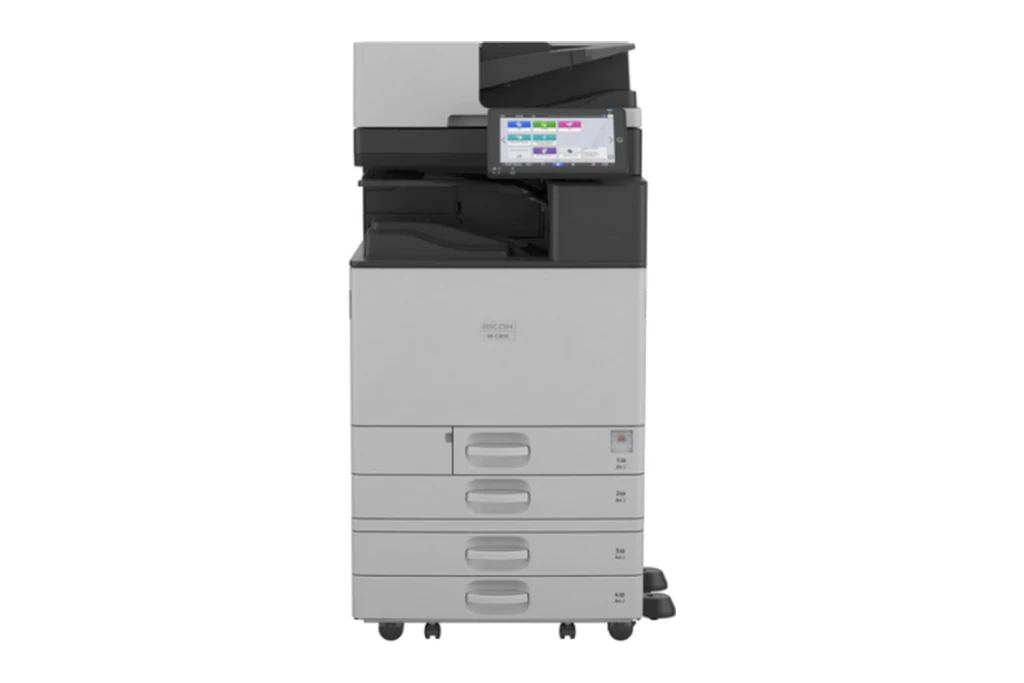
Our Canberra service records hold ten Ricoh machines, mostly MP C colour multifunctions: the MP C2051, C2500, C2504 EX, C3503 and C5503, with an MP 1600L mono copier, in Phillip, Turner, Hume, Mitchell, Fyshwick and Queanbeyan. Ricoh replaces its drum and developer assemblies, the PCDUs, on a page count, and its SC codes are sorted by level, so the code on the panel tells us whether a restart might clear it or a part needs shipping.
Ricoh on our Canberra records
From our own service records: the machines we have serviced in Canberra since 2017. It is not the whole list.
Models we see most
- MP C2051
- MP C2500
- MP C2504 EX
- MP C3503
- MP C5503
- MP 1600L
Where they are
- Phillip
- Turner
- Hume
- Fyshwick
- Queanbeyan
- Mitchell
The Ricoh machines we look after in Canberra
IM C2000, IM C2500, IM C3000, IM C3500, IM C4500, IM C5500, IM C6000, and the newer IM C2010, IM C2510, IM C3010, IM C3510, IM C4510, IM C5510 and IM C6010.
MP C2003, MP C2503, MP C3003, MP C3503, MP C4503, MP C5503, MP C6003, and the MP C3004 to MP C6004 series.
MP 2555, MP 3055, MP 3555, MP 4055, MP 5055, MP 6055, and IM 2500 to IM 6000.
Aficio MP C2030, MP C2050, MP C2051, MP C2550, MP C2551 and Lanier badged models.
SP C261, SP C360, SP C361, IM C300 and IM C400.
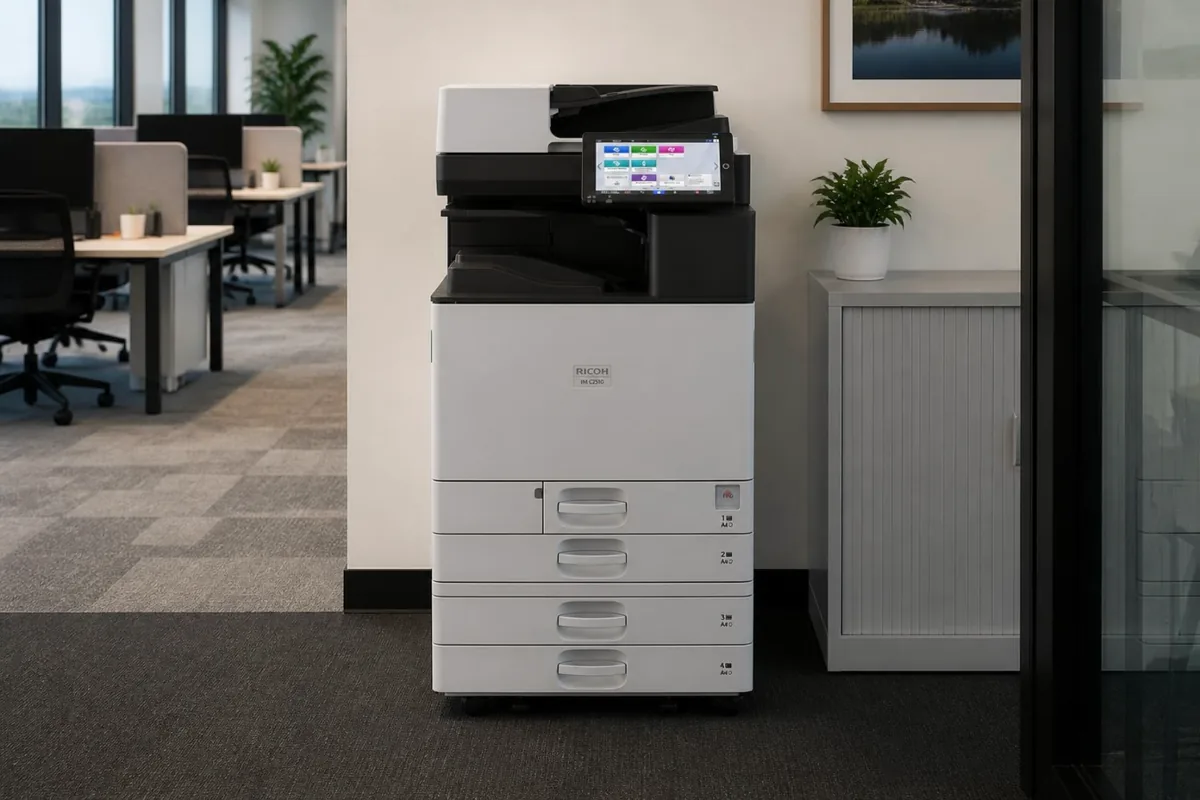
Ricoh IM C2510, one of the Ricoh photocopiers we repair in Canberra.
Ricoh photocopier repairs in Canberra: the faults we fix
Lines or smears appear only on the back of two sided scans, while the front comes out clean. A single pass feeder reads both sides in one trip, the back through a contact image sensor inside the feeder itself, so the glass is not the culprit. A code from SC185 to SC189 confirms that sensor has a fault. Mention the side when you book.
Sheets that jam just after leaving the copier, in the short unit that carries them across to the finisher, point at the bridge unit. Its rollers and guides wear and collect dust like any other paper path. Some Ricoh finishers cannot run without that bridge at all, and SC792 appears when the machine cannot see one or both. Clear jams by following the panel.
The machine wakes from sleep showing SC816, or SC990 interrupts a job. These are software faults, not worn parts: the controller's operating system has tripped over itself. A proper restart at the main power switch usually clears them. If one keeps coming back at the same point, such as on waking, the firmware needs looking at by the technician.
Ricoh codes we are called to in Canberra
The panel nearly always says why a Ricoh stopped. A few of the codes we see most, and whether a restart is worth trying:
| Code | What it points to | Restart? |
|---|---|---|
| SC620 | The machine lost contact with its document feeder. Restart once; if it returns, the feeder connection or board needs checking. | Worth one restart |
| SC621 | Contact with the finisher dropped out. A restart may restore it, while a repeat points to the cable or a board. | Worth one restart |
| SC622 | The machine cannot talk to the paper bank underneath it. Try a restart, and call if the code reappears straight away. | Worth one restart |
| SC792 | A finisher is fitted without the bridge unit it relies on, or the machine cannot detect one of the two. | Needs a technician |
| SC816 | The controller's operating system hit an error, often while waking from sleep. Restarting at the main switch normally clears it. | Worth one restart |
| SC860 | The hard drive is not responding or is not formatted. Its stored jobs and address book need care before any replacement. | Needs a technician |
Before you book a Ricoh call
Three things that help the technician arrive with the right part:
- The total counter, from the Counter screen in the machine settings.
- Which tray is jamming, and whether the bridge unit or the finisher is part of it.
- Whether scan to folder or scan to email stopped after a password or server change.
Some safe checks first:
- Take a photo of the panel while the message is showing. A clear picture of the code, or of the misfeed letter and its diagram, saves the service desk asking twice.
- Note the total counter. It is in the counter screen of the user settings on the panel, and Web Image Monitor shows the same figures from any computer on your network.
- For scan to email faults, note the exact wording the panel gives, and ask whether anything changed lately with your email account, password or mail provider.
Government and secure buildings in Barton, Parkes and the city usually need visitor registration and an escort. Tell the desk who will meet the technician, and the building's entry rules, when you book.
Every Ricoh code family, and which ones clear with a restart
Booking a Ricoh repair in Canberra
Book a Ricoh repair in Canberra or Queanbeyan with the model and the fault. The attendance charge comes first, the technician finds the cause on site, and parts are sent to your office for the return visit.
Ricoh printer and copier repairs in Canberra
A repair puts the fault in front of you right; maintenance stops it coming back. When a Ricoh photocopier shows Replacement required, a part such as the PCDU or fusing unit is at the end of its count, and fitting it at a planned visit heads off the fault it would otherwise cause. Feed and separation rollers on busy trays are changed the same way as part of printer maintenance, rather than after the next run of misfeeds and another copier repair.
A copier service visit also deals with build up you cannot see: paper dust in the feed path, toner around the transfer area, and the scanning path of the document feeder. SC530 is the fusing exhaust fan stopping, so keep vents clear and leave room around the machine. Store toner bottles sealed until needed. Firmware is checked too, since SC992 and SC997 often trace back to firmware that does not match. The smaller Ricoh printer and multifunction models benefit from the same care, which helps keep unplanned printer repairs down.
Repair or replace your Ricoh photocopier?
The A4 Ricoh printers and multifunctions, such as the SP C261 or IM C300, are built for lighter work than the A3 floor models. Their consumables are made for shorter runs, and a major fault can weigh more heavily against the value of the machine. The repair or replace sum on a desk printer can tip sooner than on an IM C or MP C, and you are told which way it falls.
When replacement is the better answer, new machines are on our new copiers page, delivered and set up in Canberra.
Keeping a Ricoh photocopier running in Canberra
Canberra offices often run large, tightly managed fleets with security settings on every device. A Ricoh that has had firmware or network settings changed by an IT update can stop scanning to email or folders overnight. Note any recent IT change when you book, because it points straight at the cause.
- Leave clear space at the sides and back where the fans push out warm air. A machine boxed into a tight alcove runs hotter and works its fans and fusing unit harder.
- Have the address book backed up through Web Image Monitor, and keep the file somewhere safe off the machine. If SC870 ever appears, the entries can then be put back rather than retyped.
- Leave paper in its ream wrapper until it goes into the tray. Paper soaks up moisture from the air, and damp sheets curl in the heat of the fusing unit and jam on the way out.
Ricoh service agreement or a one off repair?
A Ricoh you already own can go on an agreement if it is in good order. For an office printing steadily, one arrangement is simpler to manage than booking and approving each repair as it comes. For a lightly used machine, calling for one off repairs may suit better. The technician can look at the counters and the condition of the machine and help you weigh it up.
Parts for a Canberra Ricoh are shipped to your office ahead of the return visit, and Queanbeyan is covered the same way as Canberra. How our service agreements work.
Across Canberra
We attend Ricoh machines anywhere around Canberra, including:
- Fyshwick
- Phillip
- Woden
- Belconnen
- Bruce
- Gungahlin
- Mitchell
- Tuggeranong
Every area we cover is on our Canberra page. For Ricoh toner, parts and new machines, see our Ricoh page.
How a service call works
- Tell us the faultMake, model and what the machine is doing. A photo of any error on the screen helps.
- Charge confirmedWe confirm the attendance charge when you book, before anyone is sent.
- Diagnosed on siteThe technician finds the cause and fixes what can be fixed on the visit.
- Nothing extra without a yesAny part or further work is quoted to you before it goes ahead.
Common questions
Do you service Ricoh copiers in Queanbeyan?
Yes. Queanbeyan is part of our Canberra coverage, and Ricoh machines there are on our records alongside those in Phillip, Turner and Fyshwick.
What is a PCDU on a Ricoh?
The photoconductor and development unit: the drum and the developer in one assembly, one for each colour. Faint, patchy or streaky colour usually traces to one of them, and they are replaced on a page count.
What if my Ricoh needs a part in Canberra?
It is quoted to you, shipped to your office, and fitted on the return visit without a second diagnosis.
Are your technicians qualified?
All our technicians are trained and certified.
Why does toner rub off my Ricoh prints on thick card?
Card soaks up more heat than plain paper, so the fusing unit has to run hotter or slower to bond the toner, and it only does that when told. Set the paper type for the bypass tray, or in the print driver, to the weight you are using. If toner still rubs off with the right setting, or plain paper smudges too, the fusing unit needs checking.
Does Ricoh firmware need updating, and who does it?
Firmware is the software on the machine's boards, and Ricoh issues updates to fix faults and keep options working together. Mismatched versions can show up as SC992 or SC997. Updates are a job for the technician, who checks every board's version and applies a matching set. Ask for it to be checked on a service visit if your machine throws repeated software codes.
Why has my Ricoh stopped scanning to email in Canberra?
Most often a network or security change: a new mail server setting, a password change, or a firmware update. Tell the desk what changed recently. The technician checks the scan settings against your network as it is now.
Ricoh repairs in other cities
Ricoh parts, by part number
Our Ricoh spare parts list sets out Ricoh parts by part number and by the models each one fits. Every line can be ordered through the service desk, shipped to your office, or fitted by our local technician in Canberra. Lanier badged machines have their own list: Lanier spare parts.
Other brands we repair in Canberra
DSA is an independent service provider. Ricoh is a trademark of its owner and is used here only to describe the machines we service.