
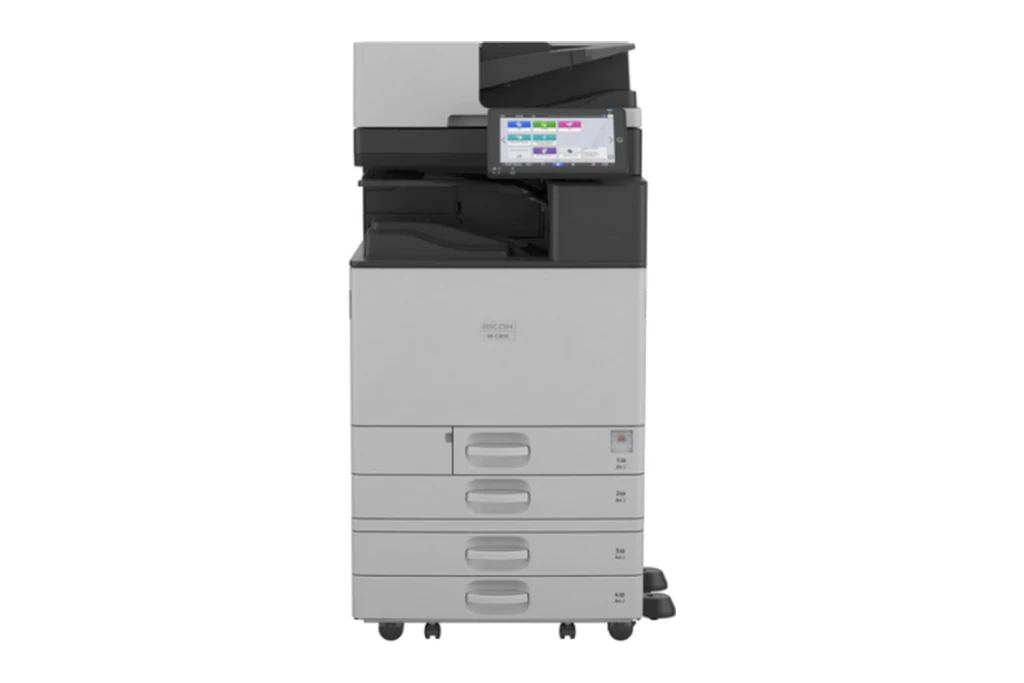
We service Ricoh multifunctions across Sydney, the current IM C range and the MP C and MP machines before it, and Lanier and older Aficio machines made by Ricoh. Ricoh sorts its SC codes into levels, so some clear with a restart and some, such as SC542 for the fusing unit, stay until a technician fixes the cause. Give us the code and the model, and the part is confirmed and shipped to your office before our technician returns to fit it.
The Ricoh machines we look after in Sydney
IM C2000, IM C2500, IM C3000, IM C3500, IM C4500, IM C5500, IM C6000, and the newer IM C2010, IM C2510, IM C3010, IM C3510, IM C4510, IM C5510 and IM C6010.
MP C2003, MP C2503, MP C3003, MP C3503, MP C4503, MP C5503, MP C6003, and the MP C3004 to MP C6004 series.
MP 2555, MP 3055, MP 3555, MP 4055, MP 5055, MP 6055, and IM 2500 to IM 6000.
Aficio MP C2030, MP C2050, MP C2051, MP C2550, MP C2551 and Lanier badged models.
SP C261, SP C360, SP C361, IM C300 and IM C400.
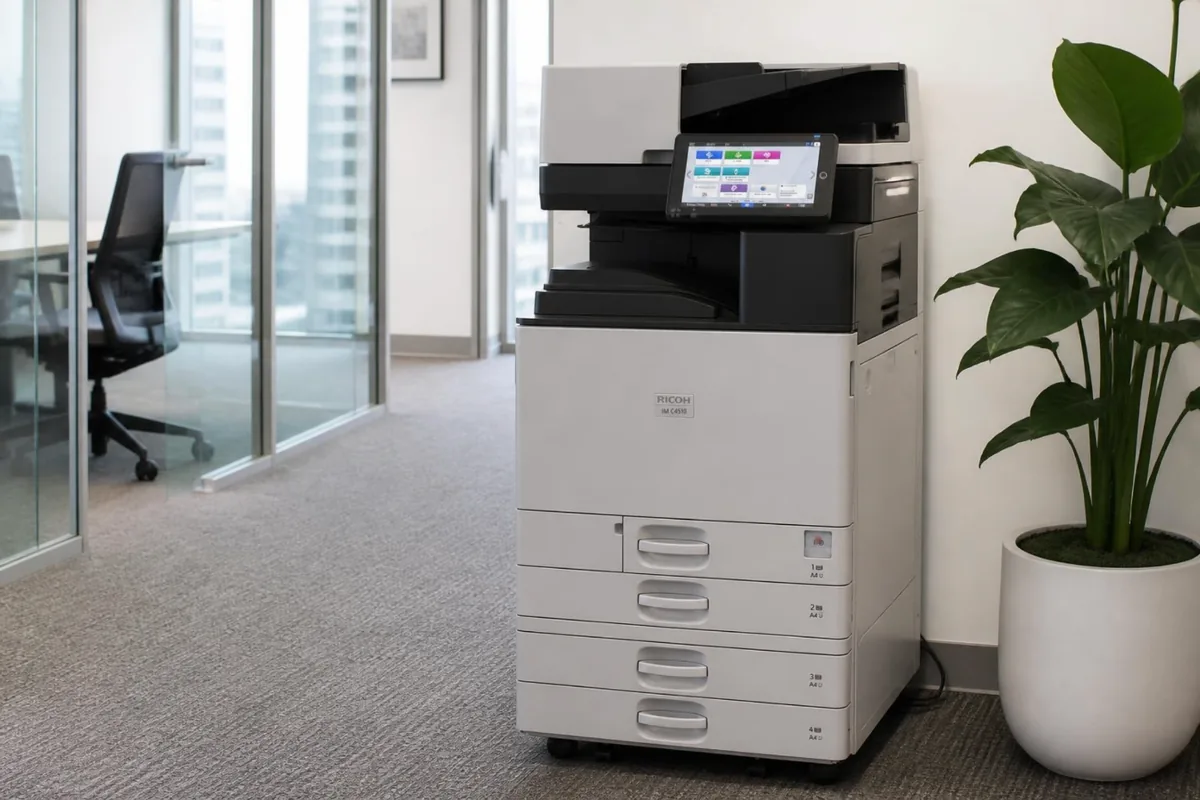
Ricoh IM C4510, one of the Ricoh photocopiers we repair in Sydney.
Ricoh photocopier repairs in Sydney: the faults we fix
After a storm or a power cut, the panel stops at SC860, or a read error from SC863 to SC865 appears. The controller cannot read its hard drive: it is not answering, or it has bad sectors. That drive holds stored documents and, on many models, the address book. Avoid repeated restarts; the technician checks what can be saved before changing the drive.
Copying works, but scans to email fail or sit unsent, often straight after your business changed mail provider or reset a password. The Ricoh still holds the old mail server details and sign in. Usually nothing inside the machine is broken. The settings live in Web Image Monitor, the machine's own web page, and the technician updates them and sends a test scan with you.
Toner that rubs off under a thumb, or one edge of the page looking pale and powdery, can appear with no code on the panel. The fusing unit is not holding heat across its width. Ricoh gives the ends of the unit their own heaters, sensors and codes. Note which edge and what paper; the technician checks heaters, thermistors and the pressure roller.
Ricoh codes we are called to in Sydney
Read the code off the screen and give it to the service desk word for word. Common Ricoh codes, in plain words:
| Code | What it points to | Restart? |
|---|---|---|
| SC520 | A motor driving registration, paper feed or paper transport has locked, stopping the paper path until it is repaired. | Needs a technician |
| SC541 | A fusing temperature sensor reads as disconnected or shorted. Level A, so the machine stays locked until the cause is repaired. | Needs a technician |
| SC542 | The fusing unit did not warm to working temperature in time. Level A; the heater, a sensor or low supply voltage are typical causes. | Needs a technician |
| SC544 | The fusing unit ran hotter than its limit. Level A, a safety lock that only a technician can reset after finding why. | Needs a technician |
| SC547 | Zero cross error: the way the machine senses the mains supply, or a relay feeding the fuser, is not behaving. | Needs a technician |
| SC559 | Three fusing jams in a row locked the machine to protect the fuser. Level A, a setting only switched on for some customers. | Needs a technician |
Before you book a Ricoh call
Three things that help the technician arrive with the right part:
- The SC code on the panel, such as SC542 or SC360, and whether the machine still copies at all.
- Whether the panel is asking for a PCDU, the waste toner bottle or the fusing unit to be replaced.
- The model, such as MP C3004 or IM C3000. Ricoh parts follow the generation.
And some quick checks that often save a visit:
- For scan to email faults, note the exact wording the panel gives, and ask whether anything changed lately with your email account, password or mail provider.
- If nobody can print but copying works, check the network cable at the back is pushed fully home and that other computers and devices on the network are online.
- Keep two or three sample prints of any quality fault, marked with the tray and the original used. The technician reads streaks, spots and repeats straight off the paper.
CBD, North Sydney and Parramatta buildings usually have visitor sign in, lift rules and loading docks; business parks such as Macquarie Park and Norwest have their own security. Tell the desk the building rules when you book, and the floor the machine is on.
Every Ricoh code family, and which ones clear with a restart
Booking a Ricoh repair in Sydney
Book a Sydney Ricoh call with the model and what it is doing. The attendance charge is confirmed first, our technician in Sydney finds the cause on site, and any part goes to your office ahead of the return visit so you do not pay for a second diagnosis.
Ricoh printer and copier repairs in Sydney
A Ricoh service call goes better when the person ringing has stood at the machine first. Note the model from the front cover, such as IM C3000, MP C4503 or MP 4055, or the Lanier name if it carries one. Then take the code down in full, SC with its three digits and the two that follow the dash, as in SC542 then 02, or photograph the screen.
The circumstances help too. Did the fault appear mid copy, on a print job, when one tray was selected, or as the Ricoh photocopier woke from sleep? SC816, for one, is a controller software error that often shows at wake from sleep. Did a restart from the main switch clear it? The total counter matters as well: the PCDU, fusing unit and rollers are life parts, and their counts tell the technician what may be due. For an A4 Ricoh printer or IM C300 multifunction, the model and message usually suffice. With all that, a printer service or copier repair visit starts from facts rather than guesses.
Repair or replace your Ricoh photocopier?
Options deserve their own look. A finisher, bridge unit or paper bank that keeps faulting does not mean the copier underneath is worn out. Equally, a sound finisher on a tired main unit is not a reason to keep the whole set running. Ask for the main machine and each option to be judged separately, so a repair on one part is not mistaken for the health of all of it.
When replacement is the better answer, new machines are on our new copiers page, delivered and set up in Sydney.
Keeping a Ricoh photocopier running in Sydney
Many Sydney offices sit in buildings where the copier shares a floor with hundreds of people, and a Ricoh that stops holds up the whole floor. Watching the panel's own warnings for life parts, and acting on them rather than pressing on, is the simplest way to keep it running.
- Load trays below the limit mark and set the side guides firmly against the stack. An overfilled or loose stack is a common reason for skewed copies and misfeed messages.
- Ask for the firmware to be checked when the technician visits. Ricoh firmware is a combination across several boards, and versions that do not match sit behind codes such as SC992 and SC997.
- Let the machine drop into sleep on its own, and use the main power switch for a full restart. Pulling the plug while the hard drive is writing risks the drive errors in the SC86x family.
Ricoh service agreement or a one off repair?
On a DSA service agreement, servicing, repairs and toner for your Ricoh sit under one arrangement, billed from the pages it prints. Most machines email their meter readings each month. Where one cannot, you get a reminder, or you scan the sticker on the machine and enter the reading in the customer portal. A one off repair, by contrast, is charged for that visit alone.
Sydney has its own page for planned servicing and agreements. Parts for a Sydney Ricoh are shipped to your office ahead of the return visit. Photocopier servicing in Sydney.
Across Sydney
We attend Ricoh machines anywhere around Sydney, including:
- St Leonards
- Macquarie Park
- Ryde
- Parramatta
- Olympic Park
- Homebush
- Burwood
- Strathfield
Every area we cover is on our Sydney page. For Ricoh toner, parts and new machines, see our Ricoh page.
For planned servicing rather than a breakdown, see photocopier servicing in Sydney.
How a service call works
- Tell us the faultMake, model and what the machine is doing. A photo of any error on the screen helps.
- Charge confirmedWe confirm the attendance charge when you book, before anyone is sent.
- Diagnosed on siteThe technician finds the cause and fixes what can be fixed on the visit.
- Nothing extra without a yesAny part or further work is quoted to you before it goes ahead.
Common questions
Do you service Ricoh IM C machines in Sydney?
Yes, as well as the MP C and MP generations. The PCDUs, fusing unit and paper feed are the usual work.
Do you service Lanier machines?
Yes. Lanier machines are Ricoh made, and we service them the same way.
Which parts of Sydney do you cover?
The CBD and North Sydney, Chatswood, St Leonards and Macquarie Park, out to Parramatta, the inner west, the eastern suburbs, the south to Sutherland, and west to Blacktown and Penrith. If you cannot see your suburb, call and ask.
Are your technicians qualified?
All our technicians are trained and certified.
Why has scan to email stopped working on my Ricoh?
In most cases nothing on the machine has broken. Scan to email depends on the mail server address, port and sign in details stored in the Ricoh, and these stop working when your provider changes its settings or a password is reset. Note the message the panel shows. The technician updates the details through Web Image Monitor and sends a test scan before leaving.
Can I use compatible toner in my Ricoh photocopier?
The DSA store lists genuine Ricoh toner and, where one exists for the model, a compatible alternative. Whichever you choose, it must be listed for your exact model, because Ricoh bottles differ between generations. Keep spares sealed until needed. On a DSA service agreement the question goes away, since toner is included and only the freight on each delivery is charged.
Is there a Sydney number for Ricoh service?
Yes, (02) 7813 0963. It reaches the same service desk that books every DSA call, so the history of your machine stays in one place.
Ricoh repairs in other cities
Ricoh parts, by part number
Know the part you need? Our Ricoh spare parts list can be searched by part number or by model. Ask the service desk for the part on its own, shipped to your office, or fitted by our local technician in Sydney. Lanier badged machines have their own list: Lanier spare parts.
Other brands we repair in Sydney
DSA is an independent service provider. Ricoh is a trademark of its owner and is used here only to describe the machines we service.