
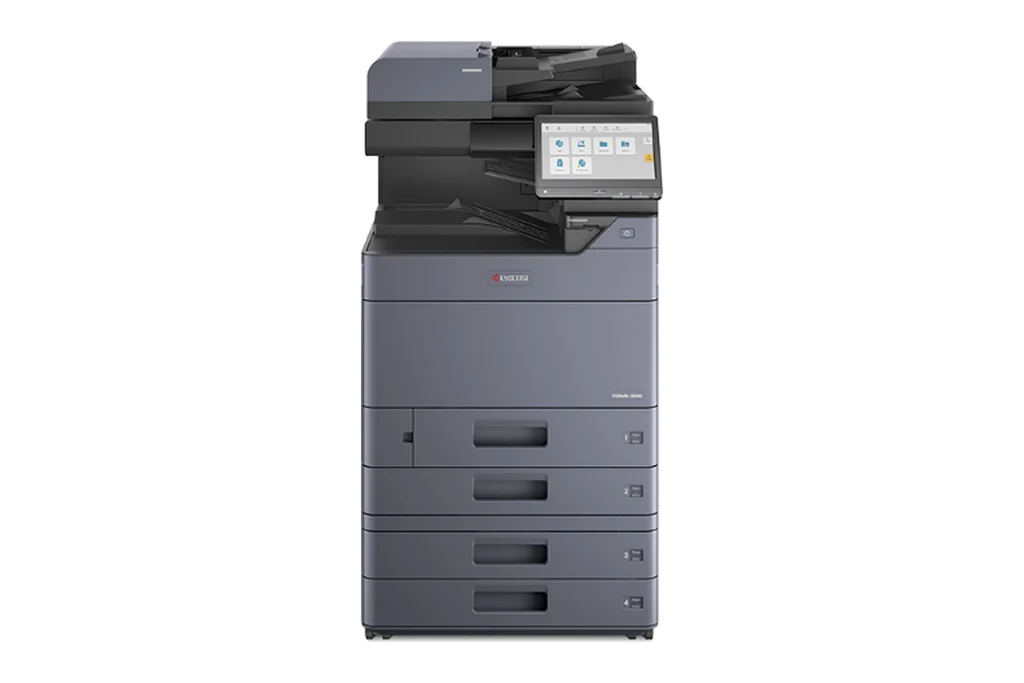
Kyocera machines are built around maintenance kits counted by page, and in Sydney that shapes how we work: tell us the model and the page count, and the MK kit or the part a C code points to is confirmed and shipped to your office, so the technician fits it on site. We service the whole range, desktop ECOSYS printers in branches and TASKalfa copiers in the office, and we supply new Kyocera machines with a service agreement.
The Kyocera machines we look after in Sydney
TASKalfa 3051ci, TASKalfa 3551ci, TASKalfa 4551ci and TASKalfa 5551ci, and the later TASKalfa ci ranges.
The TASKalfa mono A3 multifunctions.
ECOSYS M8124cidn and ECOSYS M8130cidn.
ECOSYS P5026cdw, ECOSYS M5526cdw, ECOSYS P6035cdn and ECOSYS P7040cdn.
ECOSYS P2035d, ECOSYS P2135d and ECOSYS P4040dn, and the newer MA and PA models.
FS-2100DN and FS-4100DN.
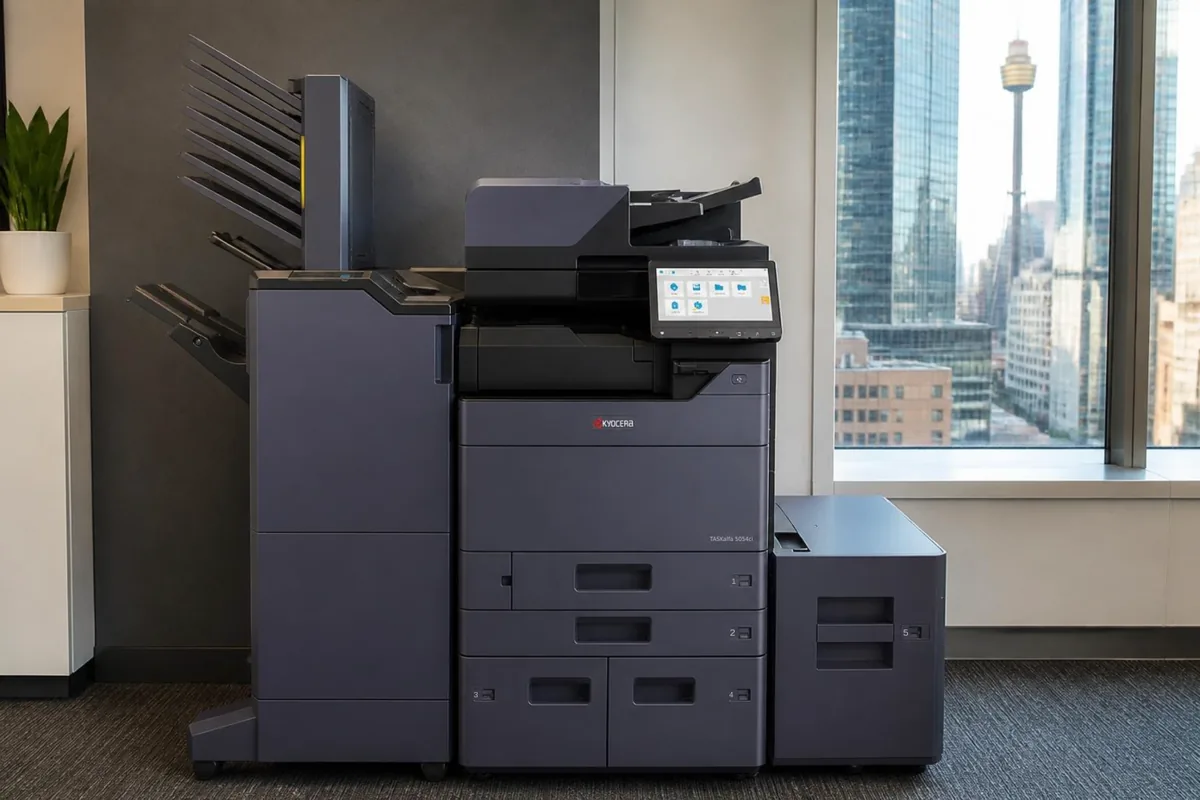
Kyocera TASKalfa 5054ci, one of the Kyocera photocopiers we repair in Sydney.
Kyocera photocopier repairs in Sydney: the faults we fix
Sets come out unstapled, or the finisher keeps reporting staple jams. Clearing a jammed staple with the panel's guidance is fine, but repeated jams take their toll: C8230 or C8240 mean the staple motor has failed, often after a run of them. Use only the staple cartridge made for your finisher, and call if jams continue with a correctly fitted cartridge.
The panel freezes or shows an F code instead of a C code. F codes are conversations failing between the main board and another part: F000 for the operation panel, F040 for the print engine, F041 for the scanner. A proper restart, power key first, clears most of them. F050 or F051 is different: firmware failed its check and the technician must reinstall it.
Run well past its MK count, a machine starts to show it: creased pages from a worn fuser, grey or faint print from a tired drum, misfeeds from glazed rollers. Depending on the model, those are the parts the kit replaces. The technician fits the kit, clears the count so the next warning arrives on time, and looks over the parts outside it.
Kyocera codes we are called to in Sydney
Read the code off the screen and give it to the service desk word for word. Common Kyocera codes, in plain words:
| Code | What it points to | Restart? |
|---|---|---|
| C2770 | The intermediate transfer belt drifted sideways and the machine could not steer it back into line. | Needs a technician |
| C2810 | The inner waste toner motor has stalled, so used toner is not being carried away inside the machine. | Needs a technician |
| C3100 | The scanner carriage did not find home. If the machine was just moved, say so, as the scanner lock may still be set. | Needs a technician |
| C5101 to C5104 | Main charging voltage fault for black or one colour, usually traced to that drum unit or its charger roller. | Needs a technician |
| C6000 | The fuser did not get up to working temperature during warm up. The heater or main thermistor is the usual cause. | Needs a technician |
| C6030, C6040 | The main fuser thermistor, which reports how hot the fuser is, is giving no reading or an abnormal one. | Needs a technician |
Before you book a Kyocera call
Three things that help the technician arrive with the right part:
- Whether the panel says Maintenance is needed. On a Kyocera that is the MK kit count being reached, not a breakdown.
- The C code shown with Call service, such as C6000 or C7101. The first digit tells us whether it is the fuser, a motor or the developer.
- Whether a print fault shows in one colour or all of them. A streak in one colour points at that colour's drum unit or developer unit, DK or DV.
Worth checking before the call:
- For a toner low message, have the next container ready rather than changing it early. Note the colour if it is a TASKalfa colour machine.
- If scanning or printing over the network fails, print a status page to see the machine's network address, and note anything that changed lately with email or passwords.
- If the machine was moved recently and now shows a scanner code, tell the service desk, because the scanner lock may still be engaged.
Every Kyocera code family, and which ones clear with a restart
Booking a Kyocera repair in Sydney
Book a Sydney Kyocera call with the model and what it is doing. The attendance charge is confirmed first, our technician in Sydney finds the cause on site, and any part goes to your office ahead of the return visit so you do not pay for a second diagnosis.
Kyocera printer and copier repairs in Sydney
When you ring about a Kyocera printer or photocopier, four details do most of the work. The model from the front, such as TASKalfa 4551ci or ECOSYS P6035cdn. The code exactly as shown, with its letter, C, F or J. The moment it appeared: switching on, warming up, partway through a double sided run, feeding originals through the multifunction's document processor, or scanning. And the total counter, which System Menu shows.
The moment matters because Kyocera codes are specific. C6000 during warm up means the fuser never reached its working temperature, while C6050 in the middle of a job means the fuser's centre ran too cool, and a sagging mains supply can cause that, not only the fuser. The counter tells the technician whether the MK is due anyway, so copier repairs and routine printer service can be planned together for your office.
Repair or replace your Kyocera photocopier?
The ECOSYS desktop printers, such as the P2035d, P2135d and P4040dn, are built around long life parts and a maintenance kit. On a printer that size, a kit plus a board or a laser fault can weigh heavily against the value of the machine. The sums tip sooner than on a TASKalfa floor model, and the technician tells you plainly which way they fall.
When replacement is the better answer, new machines are on our new copiers page, delivered and set up in Sydney.
Keeping a Kyocera photocopier running in Sydney
Sydney's summer humidity and its towers both shape how a Kyocera behaves. Offices that switch the air conditioning off over the weekend come back on Monday to damp paper and a run of jams, and copiers in tight print rooms run warm. Leave the machine its ventilation space and keep paper in its wrapper until it is loaded.
- Book the maintenance kit when Replace MK appears instead of clearing the message and carrying on. The kit is designed to go in before its parts start damaging print quality.
- Wipe the platen and the slit glass beside it with a soft cloth, lightly dampened rather than sprayed. A clean slit glass is the cure for lines that only appear on feeder copies.
- Give the machine its own wall outlet rather than a shared power board. The fuser draws heavily while it heats, and a sagging supply can show up as C6050.
Kyocera service agreement or a one off repair?
Under a DSA service agreement, servicing, repairs and toner for your Kyocera are covered by one arrangement, billed from the pages it prints. Most machines email their meter readings each month; if yours cannot, you are reminded, or you scan the sticker on the machine and submit a reading through the customer portal. A one off repair is charged for that visit only.
Sydney has its own page for planned servicing and agreements. Parts for a Sydney Kyocera are shipped to your office ahead of the return visit. Photocopier servicing in Sydney.
Across Sydney
We attend Kyocera machines anywhere around Sydney, including:
- Leichhardt
- Marrickville
- Alexandria
- Mascot
- Botany
- Bondi Junction
- Randwick
- Hurstville
Every area we cover is on our Sydney page. For Kyocera toner, parts and new machines, see our Kyocera page.
For planned servicing rather than a breakdown, see photocopier servicing in Sydney.
How a service call works
- Tell us the faultMake, model and what the machine is doing. A photo of any error on the screen helps.
- Charge confirmedWe confirm the attendance charge when you book, before anyone is sent.
- Diagnosed on siteThe technician finds the cause and fixes what can be fixed on the visit.
- Nothing extra without a yesAny part or further work is quoted to you before it goes ahead.
Common questions
Can you send a Kyocera maintenance kit to my Sydney office?
Yes. Once the model and page count are confirmed and the kit is quoted to you, it is shipped to your office and our technician fits it and resets the counter.
Do you service ECOSYS desktop printers as well as TASKalfa copiers?
Yes, both. ECOSYS printers and multifunctions on desks and in branches, and TASKalfa copiers in the office, colour and black and white.
What if my Kyocera needs a part in Sydney?
The part is confirmed on the first visit, quoted to you, and shipped to your office. The technician then returns to fit it, without charging a second diagnosis.
Are your technicians qualified?
All our technicians are trained and certified.
Why does the clock on my Kyocera copier keep resetting?
A date and time that will not hold usually means the small battery backing up the main board has run flat, and the machine may report it as C0840. That matters more than it seems, because logs and timed settings such as sleep schedules rely on the clock. It is a board job, so book the technician and mention whether the machine has been unplugged for long periods.
How do I find the page count on a Kyocera?
Open System Menu on the panel and go to the counter screen, which shows the total and, on colour models, black and colour separately. From a computer, enter the machine's network address in a browser to reach Command Center RX, which lists the same counters. Give the total when you book, because Kyocera rates its kits and units by page count.
Can your technician get into a Sydney CBD building for a Kyocera call?
Yes. Give the desk the building name, the floor and any sign in or loading dock rules when you book on (02) 7813 0963, and the technician arranges access before attending.
Kyocera repairs in other cities
Kyocera parts, by part number
Our Kyocera spare parts list sets out Kyocera parts by part number and by the models each one fits. Every line can be ordered through the service desk, shipped to your office, or fitted by our local technician in Sydney. A few more parts that fit TASKalfa models are on our Copystar parts list.
Other brands we repair in Sydney
DSA is an independent service provider. Kyocera is a trademark of its owner and is used here only to describe the machines we service.