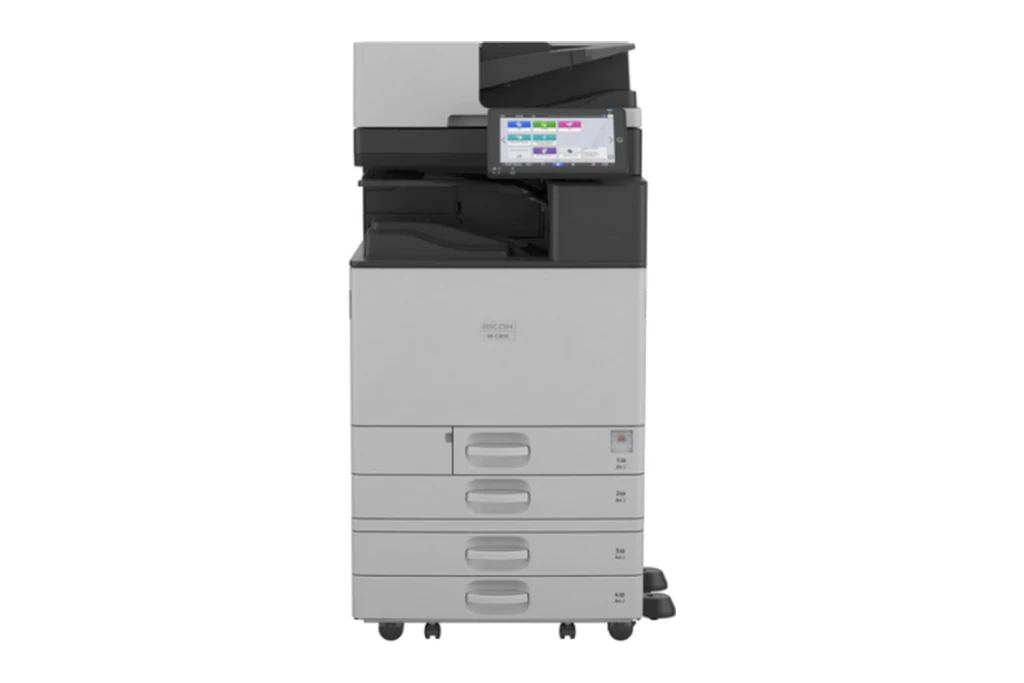
Ricoh and Lanier machines share their engineering, and we service both, including machines that have come off a finance lease and need an independent service provider.
We service Ricoh and Lanier photocopiers, multifunction printers, laser printers and large format printers. Lanier machines are built on the same platforms as Ricoh, so the same parts and the same knowledge apply.
Plenty of Ricoh Aficio and MP machines are still doing good work in offices. If yours is one of them, it is usually worth repairing while parts remain available.
Ricoh service we provide
- On site breakdown repairs and fault diagnosis
- Scheduled maintenance and wear part replacement
- Print quality problems: streaks, marks and faded prints
- Paper feed and jam problems, including rollers and feed assemblies
- Scanning, network and driver setup
- Contract servicing with toner included
Common Ricoh work
Faint, grey or streaky output on the MP and MP C models.
Smudging, creasing and fuser errors on high volume machines.
Misfeeds from the trays, fixed with feed and separation rollers.
Media feed and cutter faults on Ricoh wide format printers.
Ricoh machines we service
- Aficio MP171
- Aficio MP1500
- Aficio MP1600
- Aficio MP2000
- Aficio MP2500
- Aficio MP C2500
- MP C2005
- MP C2025
- MP C2035
- MP C2550
- MP C3005
- MP C3035
- MP C3500
- MP C3550
- MP C4000
- SP C232
- SP C242
- SP C252
- IM series
Not on the list? We service all Ricoh models still supported with parts. Call 1300 922 260 with the model number.
How Ricoh servicing works wherever your office is
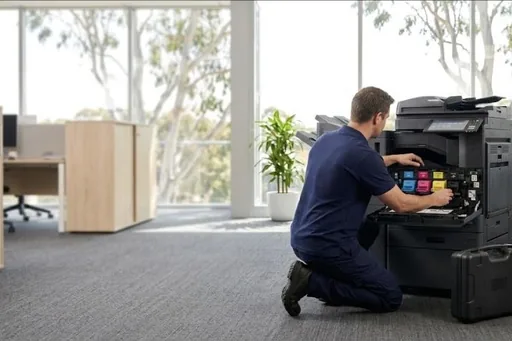
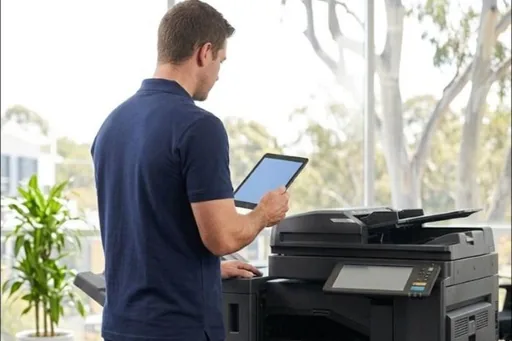
Every Ricoh service call goes through one service desk, wherever the machine is. When you ring, quote the SC code, the model and the counter. The code is read before the technician sets out, so the parts it most likely needs are identified from the start. The repair itself happens on site, at the machine, in your office, with the panel's history checked before anything is changed.
Before a part is ordered, or before work beyond the diagnosis begins, you hear what it is and what it involves, and the job waits for your yes. Lanier machines are handled the same way, because they are built on Ricoh platforms and report the same SC codes. Ricoh commercial copiers, A4 printers and multifunctions all get the same repairs and service approach, casual or on agreement.
Choosing who services your Ricoh photocopier
A few questions sort out who knows these machines. Can they tell you what an SC code and its level mean before they arrive? Do they know the PCDU, the ARDF and the bridge unit by name? Can they get parts for your generation, whether it is an IM C, an MP C or an older Aficio? And will they tell you plainly when a machine is not worth fixing?
Ask too whether they look after the whole machine, not just the print engine. A Ricoh in a busy office depends on its finisher, its document feeder and its scanning just as much as on its fusing unit. Scan to email, scan to folder and the address book are part of servicing too, along with backing up the hard drive data before a drive or controller is changed.
Ricoh toner, parts and consumables to keep on hand
The DSA store carries genuine Ricoh toner and, where a range exists for the model, compatible toner, each listed against the machines it fits. Keep one spare bottle of each colour you use, sealed in its pack, and a spare waste toner bottle, because the machine stops printing when that one fills. If you have a finisher, keep a staple cartridge in the drawer as well, since it is a user replaceable part.
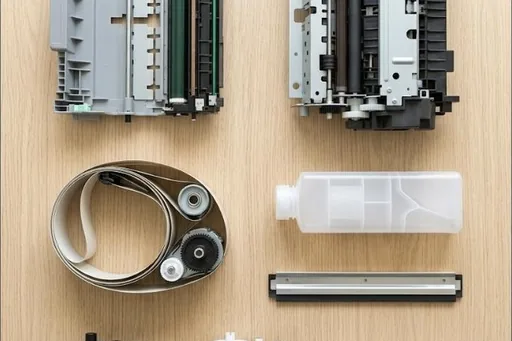
The bigger wear items work differently. Each PCDU, the fuser, the image transfer belt and the rollers that pick paper from the trays wear with the page count, and the technician fits them rather than anyone in the office. The panel gives warning as each one nears its limit. On a DSA service agreement they go in at their counts on a planned visit, leaving the office to look after toner and staples.
Ricoh codes offices ask us about
Every Ricoh code family, and which ones a restart may clear, is in our Ricoh error code guide. A few that come up often:
| Code | What it points to | Restart? |
|---|---|---|
| SC792 | A finisher is fitted without the bridge unit it relies on, or the machine cannot detect one of the two. | Needs a technician |
| SC816 | The controller's operating system hit an error, often while waking from sleep. Restarting at the main switch normally clears it. | Worth one restart |
| SC860 | The hard drive is not responding or is not formatted. Its stored jobs and address book need care before any replacement. | Needs a technician |
| SC863 to SC865 | The hard drive returned a read error or reported a bad sector. The technician tests the drive and plans around its data. | Needs a technician |
| SC870 | The address book data could not be read. Where a backup exists, the entries can be restored rather than typed in again. | Needs a technician |
| SC990 | A software error the machine could not recover from by itself. A restart usually clears it; repeats call for a firmware check. | Worth one restart |
| SC997 | Application software error, often a missing option or firmware versions that do not match. Restart first, then call if it recurs. | Worth one restart |
Ricoh spare parts
Our Ricoh spare parts list sets out the parts by part number, with the models each one fits. Ask the service desk for any of them, on its own or fitted by a technician. Lanier badged machines have their own list: Lanier spare parts.
Ricoh repairs by city
Brisbane has its own page, with the Ricoh machines we repair on site across the city and the codes we are called to: Ricoh repairs in Brisbane.
Sydney and Melbourne have their own Ricoh pages and local numbers: Ricoh repairs in Sydney and Ricoh repairs in Melbourne.
Each city we service has its own Ricoh page too, written for that city from our own records:
Code on the panel? Ricoh error codes explained.
How a service call works
- Tell us the faultMake, model and what the machine is doing. A photo of any error on the screen helps.
- Charge confirmedWe confirm the attendance charge when you book, before anyone is sent.
- Diagnosed on siteThe technician finds the cause and fixes what can be fixed on the visit.
- Nothing extra without a yesAny part or further work is quoted to you before it goes ahead.
Where we service Ricoh machines
DSA is an independent service provider. Ricoh is a trademark of its owner and is used here only to describe the machines we service.
What a service call looks like