
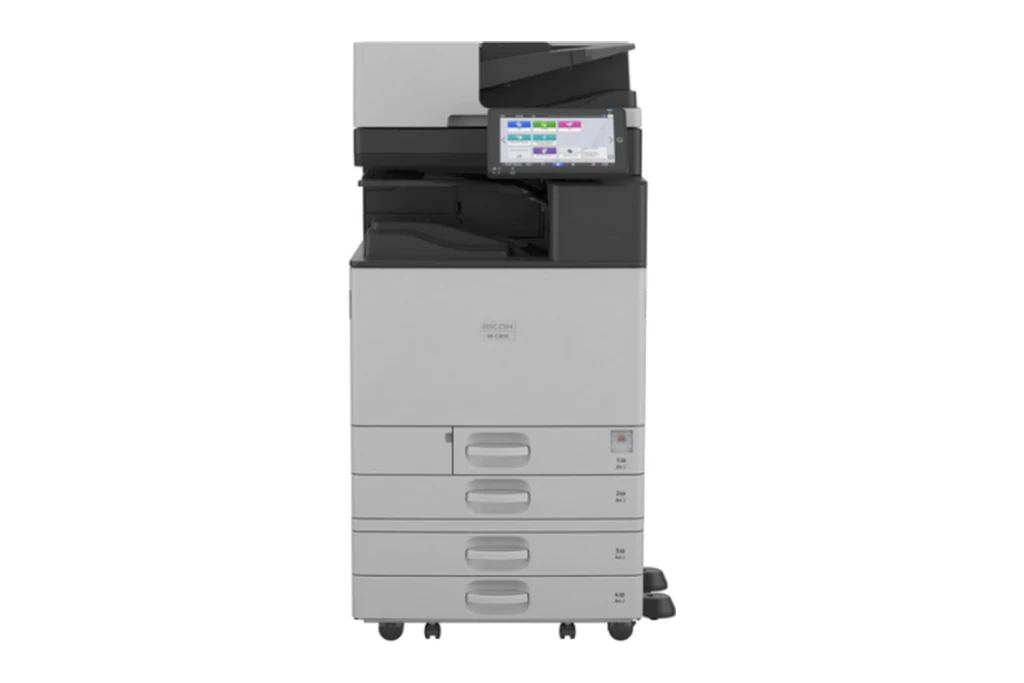
We repair Ricoh multifunctions across Perth, from IM C machines to MP C copiers such as the MP C2004 on our records, and Lanier badged machines made by Ricoh. Ricoh sorts its SC codes into levels and replaces its drum and developer assemblies, the PCDUs, on a page count, so the code and the counter you give us decide what is shipped to your office before our local technician fits it.
The Ricoh machines we look after in Perth
IM C2000, IM C2500, IM C3000, IM C3500, IM C4500, IM C5500, IM C6000, and the newer IM C2010, IM C2510, IM C3010, IM C3510, IM C4510, IM C5510 and IM C6010.
MP C2003, MP C2503, MP C3003, MP C3503, MP C4503, MP C5503, MP C6003, and the MP C3004 to MP C6004 series.
MP 2555, MP 3055, MP 3555, MP 4055, MP 5055, MP 6055, and IM 2500 to IM 6000.
Aficio MP C2030, MP C2050, MP C2051, MP C2550, MP C2551 and Lanier badged models.
SP C261, SP C360, SP C361, IM C300 and IM C400.
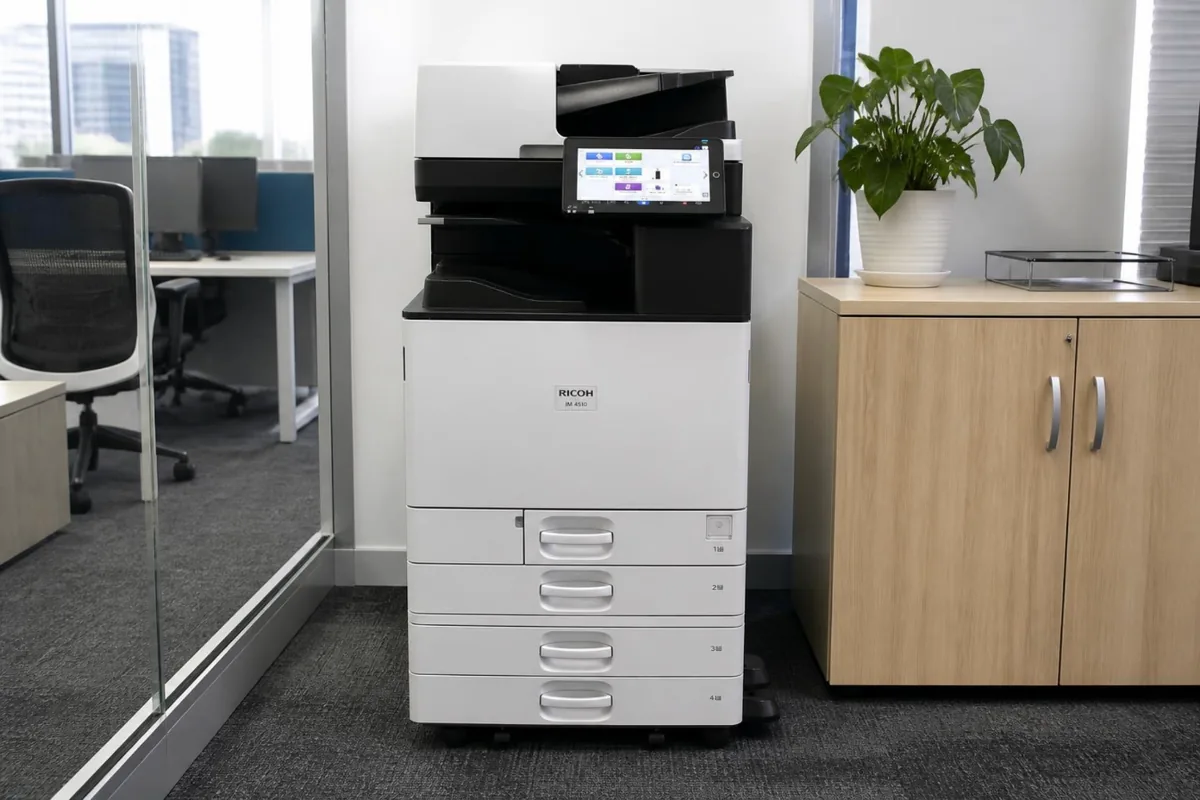
Ricoh IM 4510, one of the Ricoh photocopiers we repair in Perth.
Ricoh photocopier repairs in Perth: the faults we fix
A smudge or dot that repeats down the page at even spacing comes from something round. Measure the gap between marks and tell the service desk: a short repeat suggests a small roller, a longer one a drum or the belt. If the machine stops with SC441 instead, the drive that turns the drums and transfer belt has locked.
When a misfeed message shows a letter, Ricoh is pointing at a zone of the paper path, and the panel shows where to open. Clear the sheet in one piece, following the panel's own steps. A jam that keeps returning to the same letter points to a worn roller or guide in that zone. SC520 is different: the registration or transport motor has locked.
Originals that pull through crooked, stop partway, or go through two at a time suggest the feeder's pickup and separation rollers are glazed. The ARDF turns each page over to read its second side, so two sided jobs pass the rollers more than once. Remove staples, flatten curled originals and keep the stack under the guide mark. If the trouble continues, the rollers are due.
Ricoh codes we are called to in Perth
If your Ricoh shows one of these, the code alone tells us a lot about the parts to bring:
| Code | What it points to | Restart? |
|---|---|---|
| SC863 to SC865 | The hard drive returned a read error or reported a bad sector. The technician tests the drive and plans around its data. | Needs a technician |
| SC870 | The address book data could not be read. Where a backup exists, the entries can be restored rather than typed in again. | Needs a technician |
| SC990 | A software error the machine could not recover from by itself. A restart usually clears it; repeats call for a firmware check. | Worth one restart |
| SC997 | Application software error, often a missing option or firmware versions that do not match. Restart first, then call if it recurs. | Worth one restart |
| SC120, SC121 | The scanner carriage could not find its starting position. A restart often clears it; a repeat means the scanner drive needs checking. | Worth one restart |
| SC185 to SC189 | A fault in the sensor inside a single pass feeder that reads the back of each original during the same pass. | Needs a technician |
Before you book a Ricoh call
Three things that help the technician arrive with the right part:
- The model, such as MP C3004 or IM C3000. Ricoh parts follow the generation.
- Which tray is jamming, and whether the bridge unit or the finisher is part of it.
- Whether scan to folder or scan to email stopped after a password or server change.
Then a few safe checks of your own first:
- Try a single restart: turn the copier off at the main power switch, wait until the fans go quiet, then switch it on. Level A fusing codes will not clear that way.
- If the panel reports the waste toner bottle is full, the Ricoh will not print until it is changed, so keep a spare bottle with your toner stock.
- Keep two or three sample prints of any quality fault, marked with the tray and the original used. The technician reads streaks, spots and repeats straight off the paper.
Perth jobs run from the CBD and West Perth to the northern corridor and the industrial east. Tell the desk about parking, site inductions and where the machine sits when you ring (08) 6243 1734.
Every Ricoh code family, and which ones clear with a restart
Booking a Ricoh repair in Perth
Ring (08) 6243 1734 with the Ricoh model and the fault. You hear the attendance charge before anyone is sent, the technician finds the cause where the machine stands, and parts are shipped to you so the job keeps moving.
Ricoh printer and copier repairs in Perth
Older Ricoh and Lanier machines are still working hard in plenty of offices: Aficio MP C2050 and MP C2551 models off a finance lease, MP C3003 and MP C4503 workhorses, and mono MP 3055 and MP 4055 machines. Whether one deserves another copier repair depends on parts availability for that generation, whether the failure is in a wear part or in the controller, and what the page count shows.
Worn rollers, a PCDU or a fusing unit are normally worth replacing, since they are made to be changed and the rest of the photocopier carries on. A hard drive fault, SC860 or SC863 to SC865, can be repaired too, with stored data such as the address book protected first. On an old model with scarce parts, a failed board is a harder call. You are told plainly which way it falls, and any part is quoted before it is ordered. An ageing Ricoh printer or A4 multifunction is weighed the same way, though a printer repair there is usually a smaller job.
Repair or replace your Ricoh photocopier?
Whatever the age of the machine, the technician starts with its SC history and counters rather than a guess. A pattern of different faults, the feeder one visit and the fuser the next, says more about a machine's age than any single repair. You then hear plainly what is wrong, what part it needs and whether it is worth doing, before anything is ordered. The decision stays yours.
When replacement is the better answer, new machines are on our new copiers page, delivered and set up in Perth.
Keeping a Ricoh photocopier running in Perth
The easterly winds and dry air in Perth bring dust and static. Dust settles on the scanner glass and the document feeder and shows as lines on copies; static makes sheets cling and double feed. Fan each ream before loading and wipe the glass and feeder strip with a soft, dry cloth.
- Plug the copier straight into a wall outlet rather than a power board. The fusing unit draws heavily while it warms up, and a weak supply can show up as fusing codes.
- Load trays below the limit mark and set the side guides firmly against the stack. An overfilled or loose stack is a common reason for skewed copies and misfeed messages.
- Feed labels, envelopes and heavy card through the bypass tray, and choose the matching paper type on the panel so the fusing unit runs at the right temperature for them.
Ricoh service agreement or a one off repair?
Toner is included on an agreement, and freight is charged on each delivery, so a Replace Toner message on the panel means placing an order rather than shopping around. Life parts such as the PCDUs and the fusing unit are fitted at their page counts on a service visit, instead of waiting for a worn part to turn into a breakdown.
Parts for a Perth Ricoh are shipped to your office ahead of the return visit, so the job keeps moving without a second diagnosis. How our service agreements work.
Across Perth
We attend Ricoh machines anywhere around Perth, including:
- Canning Vale
- Cannington
- Victoria Park
- South Perth
- Applecross
- Myaree
- O'Connor
- Fremantle
Every area we cover is on our Perth page. For Ricoh toner, parts and new machines, see our Ricoh page.
How a service call works
- Tell us the faultMake, model and what the machine is doing. A photo of any error on the screen helps.
- Charge confirmedWe confirm the attendance charge when you book, before anyone is sent.
- Diagnosed on siteThe technician finds the cause and fixes what can be fixed on the visit.
- Nothing extra without a yesAny part or further work is quoted to you before it goes ahead.
Common questions
Do you repair Ricoh copiers in Fremantle?
Yes. Fremantle is part of our Perth coverage, along with Bibra Lake, Myaree and the southern suburbs.
Do you service Lanier machines?
Yes. Lanier machines are Ricoh made, and we service them the same way.
What if my Ricoh needs a part in Perth?
It is quoted to you, shipped to your office, and fitted on the return visit without a second diagnosis.
Are your technicians qualified?
All our technicians are trained and certified.
My Ricoh lease is ending. Should I keep the machine?
It depends on the page count, its condition and what you need next. If the life parts still have plenty of pages left in them, the machine can carry on working on a DSA service agreement. One that needs a fusing unit, PCDUs and a belt all at once may be due for replacement. Ask for the counters to be read before you decide.
Can a Ricoh SP C261 printer be repaired on site?
Yes. The smaller Ricoh printers and multifunctions, including the SP C261, SP C360 and IM C300, are serviced on site in the same way as the A3 copiers. On a small printer the repair or replace balance can tip sooner, so the technician tells you plainly what the fault is and what fixing it involves before any part is ordered.
Is there a Perth number for Ricoh repairs?
Yes, (08) 6243 1734. It reaches the same service desk that books every DSA call, and our local technician attends Perth jobs.
Ricoh repairs in other cities
Ricoh parts, by part number
If you already have a part number, from the machine or an old box, look it up in our Ricoh spare parts list. We can supply the part by itself, shipped to your office, or fitted by our local technician in Perth. Lanier badged machines have their own list: Lanier spare parts.
Other brands we repair in Perth
DSA is an independent service provider. Ricoh is a trademark of its owner and is used here only to describe the machines we service.