
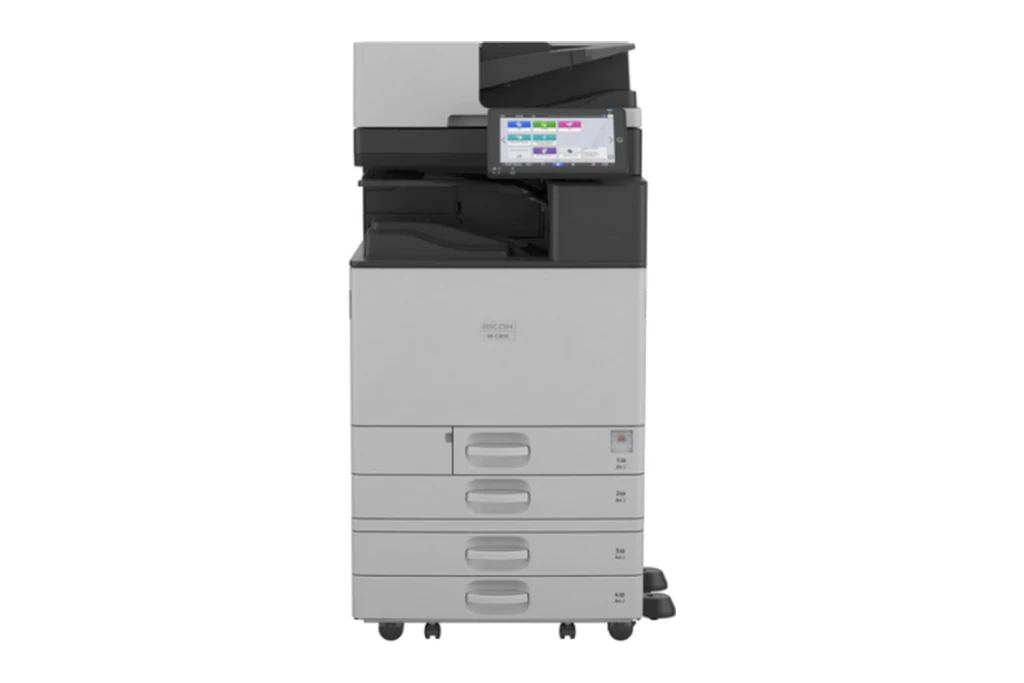
There are 55 Ricoh machines on our Gold Coast service records, and almost all of them are MP C colour multifunctions: the MP C3003, C3002, C2503, C4503 and the C3504 EX. Runaway Bay and Southport have the most, with Varsity Lakes and Helensvale behind. These are machines that often came off a lease and are still printing well, and most of what goes wrong on them is a PCDU, the fusing unit or a paper feed roller. We repair them on site and tell you plainly if one has reached the end.
Ricoh on our Gold Coast records
From our own service records: the machines we have serviced on the Gold Coast since 2017. It is not the whole list.
Models we see most
- MP C3003
- MP C3002
- MP C2503
- MP C2050
- MP C3504 EX
- MP C4503
Where they are
- Runaway Bay
- Southport
- Varsity Lakes
- Helensvale
- Surfers Paradise
- Burleigh Heads
The Ricoh machines we look after on the Gold Coast
IM C2000, IM C2500, IM C3000, IM C3500, IM C4500, IM C5500, IM C6000, and the newer IM C2010, IM C2510, IM C3010, IM C3510, IM C4510, IM C5510 and IM C6010.
MP C2003, MP C2503, MP C3003, MP C3503, MP C4503, MP C5503, MP C6003, and the MP C3004 to MP C6004 series.
MP 2555, MP 3055, MP 3555, MP 4055, MP 5055, MP 6055, and IM 2500 to IM 6000.
Aficio MP C2030, MP C2050, MP C2051, MP C2550, MP C2551 and Lanier badged models.
SP C261, SP C360, SP C361, IM C300 and IM C400.
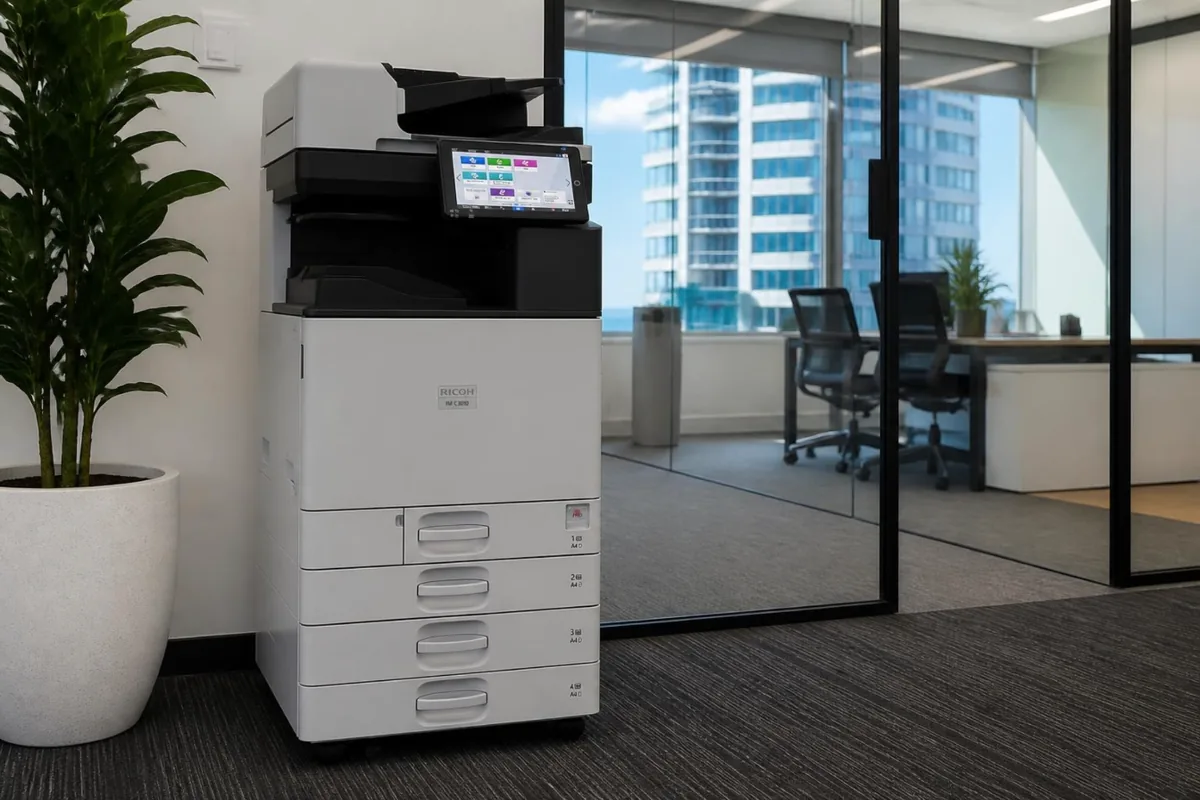
Ricoh IM C3010, one of the Ricoh photocopiers we repair on the Gold Coast.
Ricoh photocopier repairs on the Gold Coast: the faults we fix
Every copy job stops and the panel holds an SC code between SC541 and SC559. Ricoh treats these as level A: a temperature sensor, a heater or the fusing drive has reported something unsafe, so the machine locks itself. A restart will not release it. Keep the covers closed, write down the full code with its two digit suffix, and book the technician.
A grey haze across the white parts of each copy, or a colour tint where the page should be blank, usually means a PCDU is worn. Each colour has its own, carrying the drum and the developer. A tired drum holds its charge unevenly, so toner lands where it should not. Print one page in each colour to show the technician which unit it is.
Black text with a coloured shadow, or a cyan or magenta fringe beside fine lines, means the four colours no longer land on top of each other. A Ricoh builds the whole image on the transfer belt before it reaches the paper, so a worn belt or drive puts the colours out of step. Keep a sample page to hand over when the technician arrives.
Ricoh codes we are called to on the Gold Coast
Quote the code on the panel when you book. These are the Ricoh codes we are asked about most here, and what each one points to.
| Code | What it points to | Restart? |
|---|---|---|
| SC120, SC121 | The scanner carriage could not find its starting position. A restart often clears it; a repeat means the scanner drive needs checking. | Worth one restart |
| SC185 to SC189 | A fault in the sensor inside a single pass feeder that reads the back of each original during the same pass. | Needs a technician |
| SC360 | The toner density sensor in one development unit would not calibrate, which usually leads to replacing that development unit. | Needs a technician |
| SC370 | The sensor that reads toner test patches on the transfer belt failed to calibrate, so the machine cannot check its colour density. | Needs a technician |
| SC442 | The transfer belt would not lift into or drop away from contact with the drums. The lift mechanism needs attention. | Needs a technician |
| SC501, SC502, SC503 | A paper tray failed to lift or lower. Look for anything caught under that tray, reload it and restart once. | Worth one restart |
Before you book a Ricoh call
Three things that help the technician arrive with the right part:
- The SC code on the panel, such as SC542 or SC360, and whether the machine still copies at all.
- The model, such as MP C3004 or IM C3000. Ricoh parts follow the generation.
- Which tray is jamming, and whether the bridge unit or the finisher is part of it.
Before you ring, these are worth a minute:
- Have the serial number from the label on the machine if you can reach it. If a DSA sticker is fitted, the ID on that sticker identifies the machine just as well.
- Note the total counter. It is in the counter screen of the user settings on the panel, and Web Image Monitor shows the same figures from any computer on your network.
- Try a single restart: turn the copier off at the main power switch, wait until the fans go quiet, then switch it on. Level A fusing codes will not clear that way.
Coast offices range from Southport towers to light industrial units in Yatala and Molendinar. Let the desk know about parking, any building sign in, and whether the machine sits upstairs, so the technician arrives ready for the site.
Every Ricoh code family, and which ones clear with a restart
Booking a Ricoh repair on the Gold Coast
Ricoh work on the Coast goes through the same service desk as the rest of the business, with technicians who already work the region. You get the attendance charge before anyone is sent, and any part or further work is quoted before it goes ahead. On the Coast we also deliver and install new and refurbished machines, and relocate them when an office moves.
Ricoh printer and copier repairs on the Gold Coast
When a Ricoh photocopier jams, the screen shows a misfeed with a letter beside it, and that letter points to the area of the paper path holding the sheet. Paper jams that keep starting from one tray usually come back to its feed and separation rollers, which glaze and wear with use until they skip a sheet or pull two at once. Damp paper adds to it by curling as it is heated, so keep reams sealed until loaded.
If a paper tray refuses to rise, the panel may show SC501, SC502 or SC503, and paper debris underneath is often to blame: remove the tray, take out the stack, check below for anything caught, reload and restart once. A code that keeps coming back means a copier repair for the lift motor or sensor. Clear ordinary jams following the panel's own instructions, with the machine's guidance. A small desktop Ricoh printer misfeeds for the same reasons, and new rollers on an office printer that size are a modest printer repair.
Repair or replace your Ricoh photocopier?
A machine asking for a PCDU, a fusing unit or a transfer belt is not failing. It is asking for parts Ricoh designed to be replaced on a page count, and every office copier goes through them. A fault in the controller or engine board is different, because it is not wear. On a machine with a long history, a board fault is where the repair or replace conversation genuinely starts.
When replacement is the better answer, we supply new copiers and refurbished and renewed machines on the Gold Coast as well, and install them.
Keeping a Ricoh photocopier running on the Gold Coast
A lot of Coast offices are busy in bursts: real estate in the spring rush, hospitality and accommodation through the holidays, building and trades all year. A Ricoh that sits quiet for a while and then runs hard is the one that shows worn rollers and a tired fuser first, so a check before the busy season pays for itself.
- Leave paper in its ream wrapper until it goes into the tray. Paper soaks up moisture from the air, and damp sheets curl in the heat of the fusing unit and jam on the way out.
- Feed labels, envelopes and heavy card through the bypass tray, and choose the matching paper type on the panel so the fusing unit runs at the right temperature for them.
- Keep spare toner bottles sealed in their packs, in a cool cupboard out of direct sun, and only open one when the panel asks for it.
Ricoh service agreement or a one off repair?
Toner is included on an agreement, and freight is charged on each delivery, so a Replace Toner message on the panel means placing an order rather than shopping around. Life parts such as the PCDUs and the fusing unit are fitted at their page counts on a service visit, instead of waiting for a worn part to turn into a breakdown.
On the Coast we also deliver, install and relocate machines, so a Ricoh on agreement can be moved with the office without changing who looks after it. How our service agreements work.
Across the Gold Coast
We attend Ricoh machines anywhere around the Gold Coast, including:
- Yatala
- Mudgeeraba
- Southport
- Surfers Paradise
- Bundall
- Broadbeach
- Mermaid Waters
- Robina
Every area we cover is on our Gold Coast page. For Ricoh toner, parts and new machines, see our Ricoh page.
How a service call works
- Tell us the faultMake, model and what the machine is doing. A photo of any error on the screen helps.
- Charge confirmedWe confirm the attendance charge when you book, before anyone is sent.
- Diagnosed on siteThe technician finds the cause and fixes what can be fixed on the visit.
- Nothing extra without a yesAny part or further work is quoted to you before it goes ahead.
Common questions
Can you repair a Ricoh MP C3003 on the Gold Coast?
Yes. It is the Ricoh model we see most on the Coast. The usual work is the PCDUs, the fusing unit, the transfer belt and the tray feed rollers.
What is a PCDU on a Ricoh?
The photoconductor and development unit: the drum and the developer in one assembly, one for each colour. Faint, patchy or streaky colour usually traces to one of them, and they are replaced on a page count.
What if my Ricoh needs a part?
The technician confirms the part on the first visit and it is quoted to you before it is ordered. Once it arrives, it is fitted on a return visit without a second diagnosis.
Are your technicians qualified?
All our technicians are trained and certified.
What does the letter in a Ricoh misfeed message mean?
Ricoh divides the paper path into zones and labels each with a letter. The letter, and the diagram beside it, show where the sheet stopped and which cover or tray to open. Follow the panel's own steps and take the sheet out whole. If the same letter keeps coming up, tell the service desk, because a repeat jam in one zone points to wear there.
Why do I get a streak on copies but not on prints?
Copies go through the scanner, while prints from a computer do not. A streak on copies only means the fault is in reading the original, usually a mark on the glass or on the narrow strip the feeder reads through. Clean both gently. If prints carry the same streak too, the problem is in the print engine, often a PCDU, and the technician needs to see it.
Can you service a Ricoh before the Gold Coast busy season?
Yes. A service visit checks the rollers, the fuser and the life parts against their page counts and fits what is due, so the machine is ready before the office gets busy.
Ricoh repairs in other cities
Ricoh parts, by part number
If you already have a part number, from the machine or an old box, look it up in our Ricoh spare parts list. We can supply the part by itself, or have one of our technicians fit it on the Gold Coast. Lanier badged machines have their own list: Lanier spare parts.
Other brands we repair on the Gold Coast
DSA is an independent service provider. Ricoh is a trademark of its owner and is used here only to describe the machines we service.